
Ocarina Songs and Sheet Music List
Filters
- Zelda's LullabyLearned as a Child
CommandYXAYXA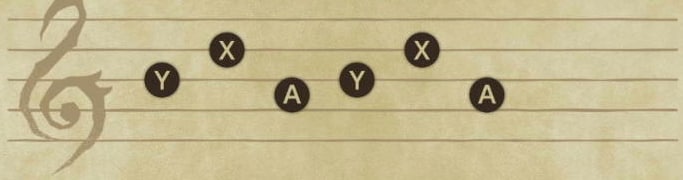
CommandYXAYXA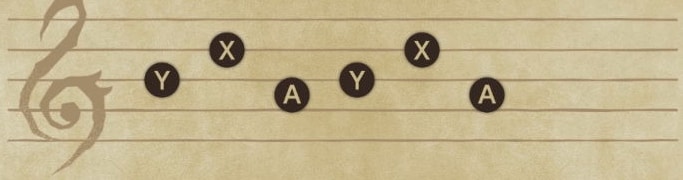 Learned
 from Impa as a Child
EffectCan operate certain mechanisms
- Epona's SongLearned as a Child
CommandXYAXYA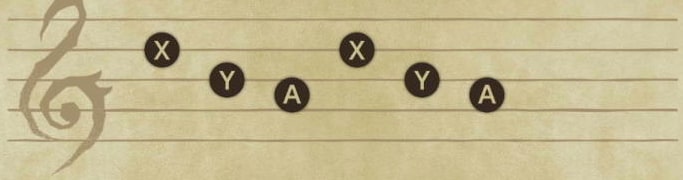
CommandXYAXYA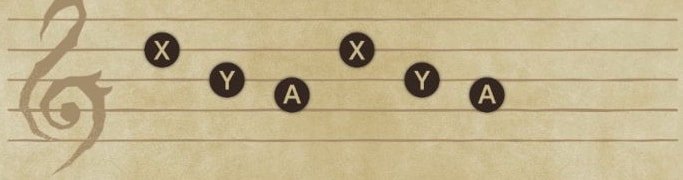 Learned
 from Malon at Lon Lon Ranch as a Child
EffectCalls Epona to you (after obtaining Epona)
- Sun's SongLearned as a Child
CommandARXARX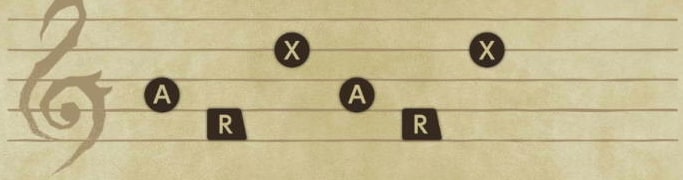
CommandABXABX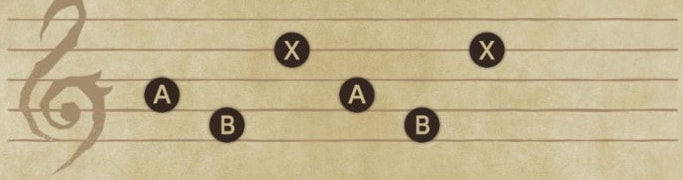 Learned
Child: Learn in the depths of the Tomb of the Royal Family
EffectAdvances time by half a day
Stops ReDead and Gibdo from moving - Song of TimeLearned as a Child
CommandALRALR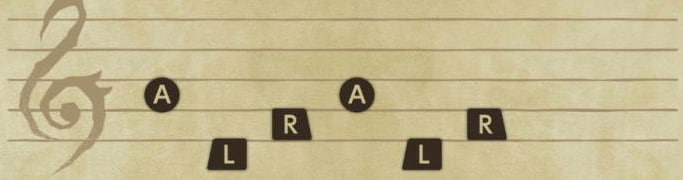
CommandARBARB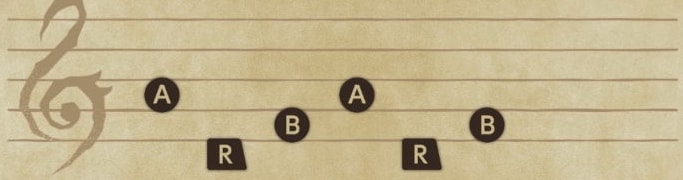 Learned
 as a child after obtaining the Three Spiritual Stones, when obtaining the Ocarina of Time in the outer moat of Hyrule Castle
EffectCan open the Temple of Time
Makes Time Block appear - Song of StormsLearned as an Adult
CommandLRXLRX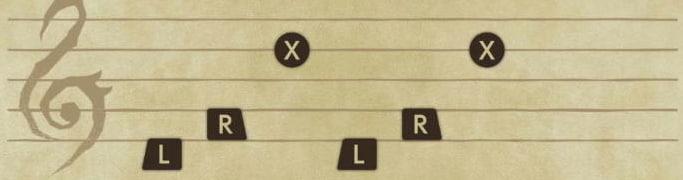
CommandRBXRBX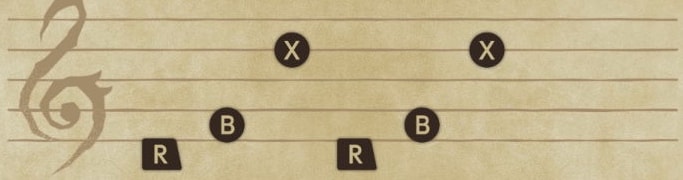 Learned
Learn it from the man in Kakariko Village's Kakariko Windmill as an adult.
EffectMakes it rain
Playing it at Kakariko Windmill drains the water from the well - Nocturne of ShadowLearned as an Adult
CommandYAALYAR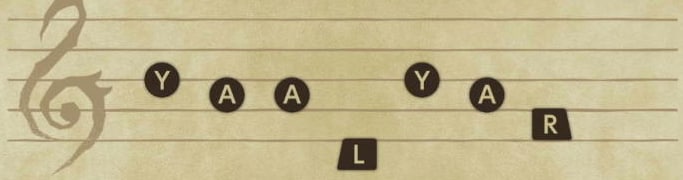
CommandYAARYAB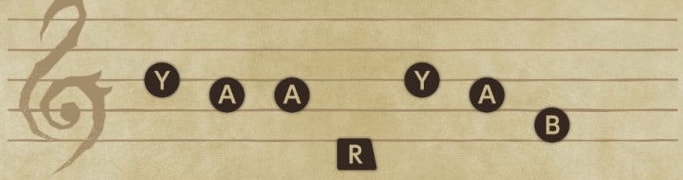 Learned
Taught by Sheik when you visit Kakariko Village as an adult after clearing Forest Temple, Fire Temple, and Water Temple
EffectWarp to Kakariko Village's Graveyard
- Prelude of LightLearned as an Adult
CommandXAXAYX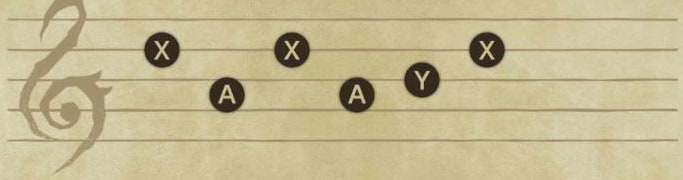
CommandXAXAYX Learned
Taught by Sheik at Temple of Time after clearing Forest Temple as an adult
EffectWarp to Temple of Time
- Scarecrow SongLearned as a Child
 Learned
Teach the melody to the Scarecrow in Lake Hylia as a child
EffectSummon Scarecrow at a specific location
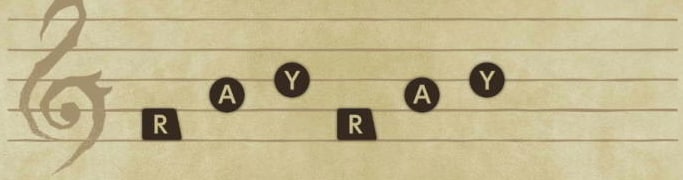
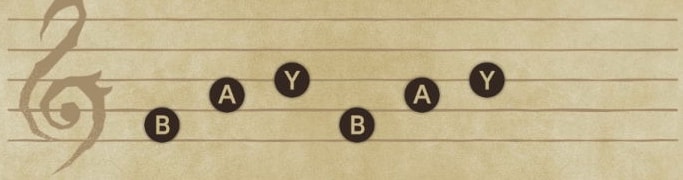
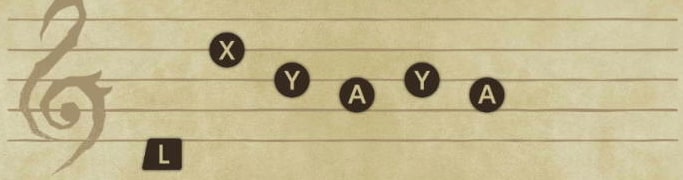
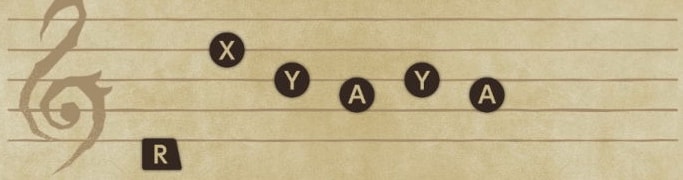
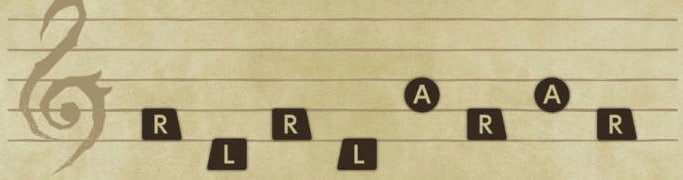
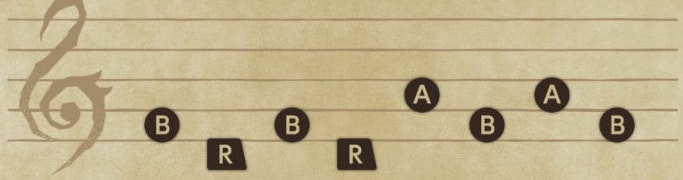
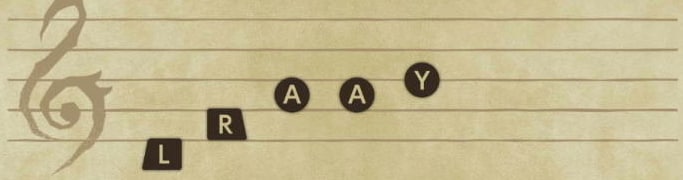
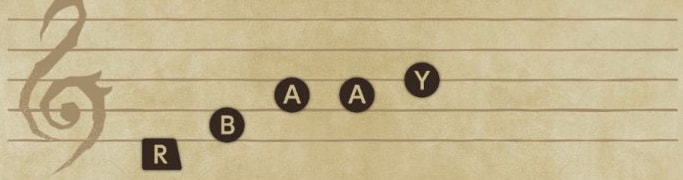
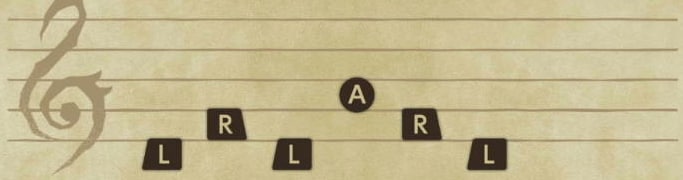
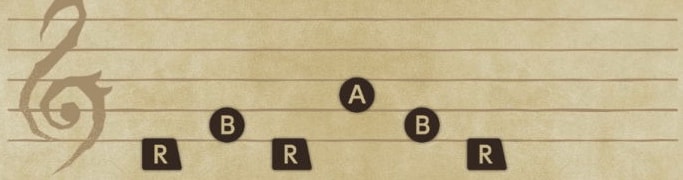
There are 13 ocarina songs in Ocarina of Time. Of these, 7 are used to summon Epona or activate mechanisms, and 6 are Warp songs. You can mainly obtain them as you progress through the story.
How to Play the Ocarina
Play Songs Using the Left D-Pad Button
| Action | Button/Note |
|---|---|
| Equip the Ocarina | Left D-Pad Button |
| View Sheet Music | ZL |
| Play a Note | L Low D R F A A Y B X High D |
| Raise by a whole tone | L Control Stick Up |
| Lower by a whole tone | L Control Stick Down |
| Raise by a semitone | D-Pad Up |
| Lower by a semitone | D-Pad Down |
| Wide Vibrato | L Control Stick Left |
| Narrow Vibrato | L Control Stick Right |
To play the Ocarina in Ocarina of Time, press left on the D-Pad. When you take out the Ocarina by pressing left on the D-Pad, you can check your sheet music with ZL, so be sure to use this feature. You can also change the pitch while playing with the Left Stick or by pressing up or down on the D-Pad, so give that a try.
You Must Get the Sheet Music to Activate Its Effects
Playing the Ocarina without first obtaining the sheet music will not activate its effects. Be sure to get the songs you want to play first.
There Are 2 Types of Ocarina, but They Have the Same Effect
There are two types of Ocarina. You obtain the “Fairy Ocarina” at the very beginning of the game, then use the “Ocarina of Time” as the story progresses. They differ in the story, but in terms of gameplay, they serve the same purpose: playing songs from sheet music.
You Can Play Ocarina with Humming or an Instrument
You can play the in-game Ocarina using a hummed tune or a physical Ocarina. Select an option from Ocarina Voice Input in Options, take out the Ocarina, and press the - Button to play.
Choose One-Handed or Two-Handed Controls
You can choose between one-handed and two-handed controls for playing the Ocarina in Options. One-handed controls make playing easier, while two-handed controls let you play more intricate tunes, such as with Vibrato, so adjust them to your preference.
Enlarge Image