
How to Switch Monsters
| How to Switch Monsters | Applies To |
|---|---|
| ▼Switch Monsters in the Field or During Battle | Party ⇔ Reserves |
| ▼Automatically Switch Monsters When Your Party Is Wiped Out | |
| ▼Swap with Paddock Monsters at the Monster Depot | Roster ⇔ Monster Depot |
In Dragon Quest Monsters: The Withered World (DQM4), you can switch monsters in the field or during battle. When your party is wiped out, it will automatically switch to monsters in Reserves.
Switching Monsters in the Field or During Battle
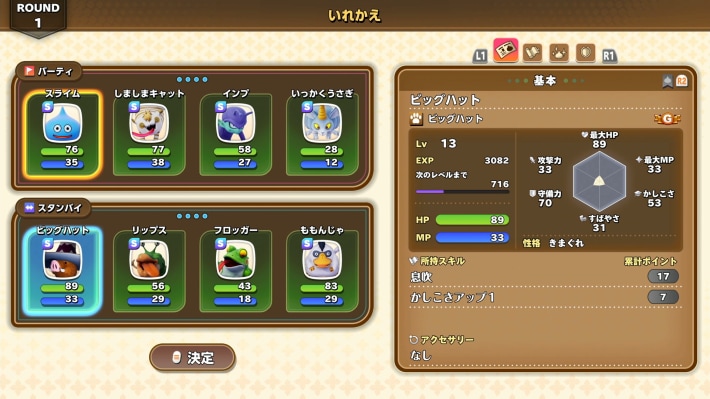
Your monsters are divided between the party that participates in battle and the Reserves, and you can switch them in the field or during battle. Switch to a reserve monster if an ally is defeated or has a disadvantage against the enemy.
Switch to the Right Ally When Using Show of Force
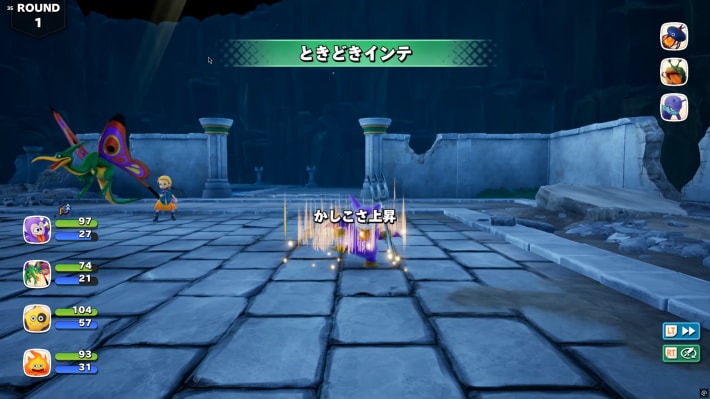
Your Scout success rate is based on the higher of Attack or Wisdom among the monsters taking part in Show of Force. To raise your odds, level up or temporarily boost stats with buffing abilities.
Tips for Increasing Scout Rate
Automatically Switching Monsters When Your Party Is Wiped Out
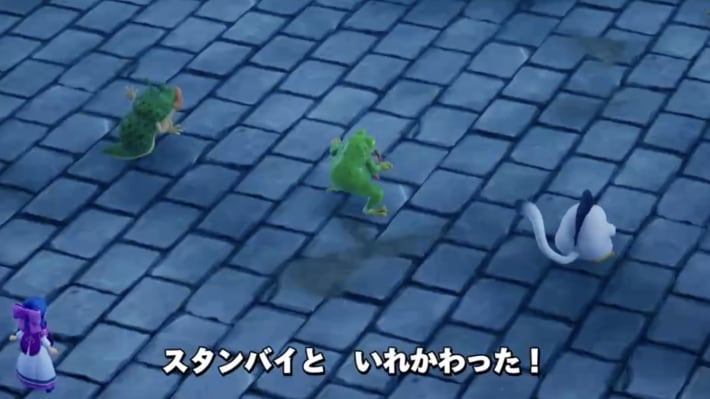
If your party is wiped out during battle, it will automatically switch to monsters in Reserves. Before challenging a powerful enemy, make sure Reserves also contains monsters that can fight.
Wipeout Penalties and How to Handle Them
Swapping with Paddock Monsters at the Monster Depot
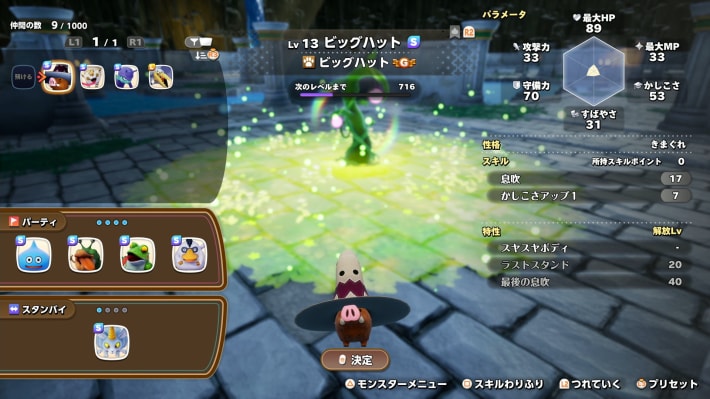
If you want to use an ally who isn't in your party or Reserves, swap one of your roster monsters with a monster in the Paddock at the Monster Depot.
What You Can Do at the Paddock (Monster Depot)
Scouted Monsters Can Also Go to the Monster Depot
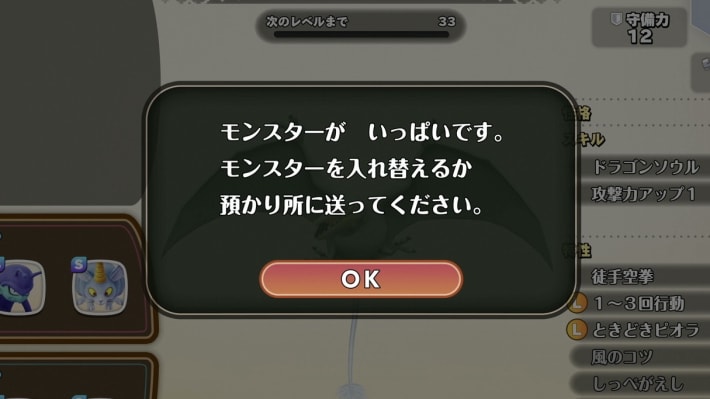
If your roster is full when you Scout a monster, you can choose whether to add the newly recruited monster to your roster or send it to the Paddock.