
What You Can Do at the Paddock (Monster Depot)
- Deposit Monsters
- Swap Party Monsters
- Gain 25% EXP in Battle
- Part Ways with Monsters
- Change Monster Names
- Allocate Talents
- Interact with Monsters
At the Paddock in Dragon Quest Monsters: The Withered World (DQM4), you can deposit monsters and swap party members. You can also collect seeds by parting ways with monsters and interact with them, so make good use of these features.
Deposit Monsters
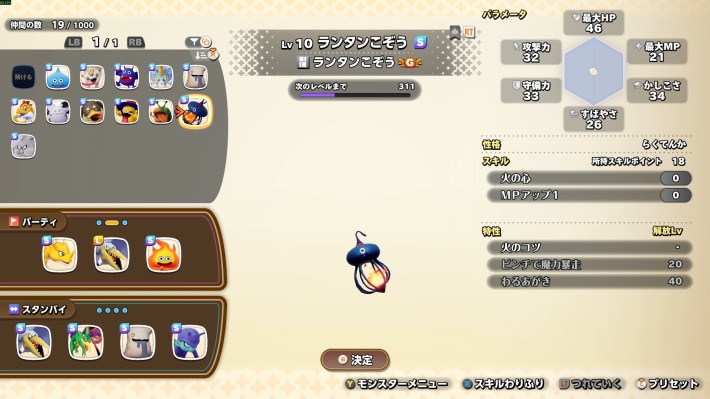
You can deposit monsters at the Paddock. Across your Party, Reserves, and the Paddock (Monster Depot), you can keep up to 1,000 monsters in total. If your Party and Reserves are full, monsters you Scout will automatically be sent to the Paddock.
You Can Also Deposit Monsters at Roots of Creation
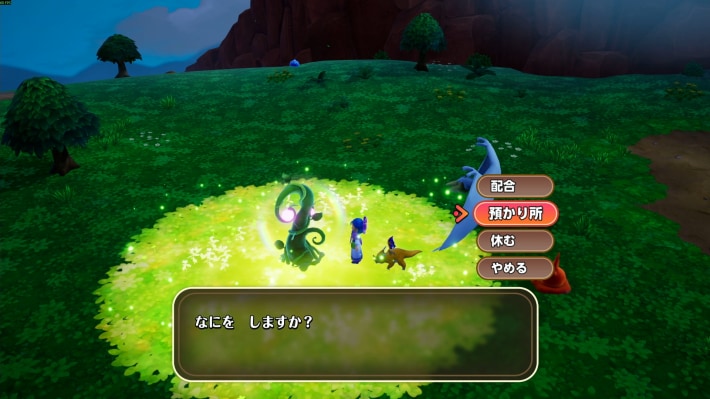
You can also deposit monsters at the “Roots of Creation” scattered across the map. You can manage your monsters without having to go all the way to the Paddock, so you should generally deposit them at Roots of Creation.
Swap Party Monsters
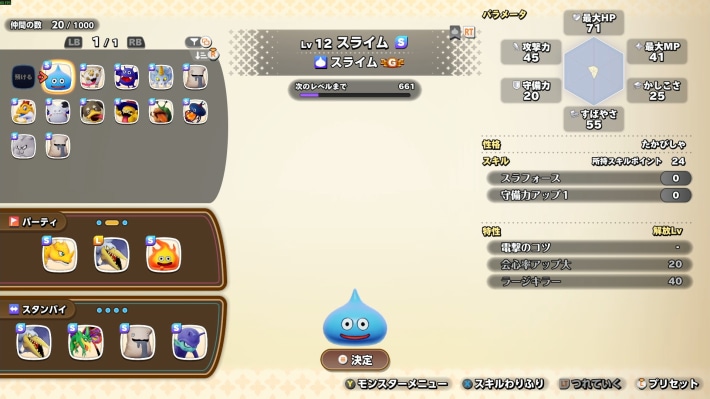
You can swap party monsters at the Paddock. Use this feature when you want to add a monster from the Monster Depot to your Party or send a monster from Reserves to the Monster Depot.
Gain 25% EXP in Battle
| Monster Location | EXP Gained |
|---|---|
| Party | 100% |
| Reserves | 50% |
| Paddock (Monster Depot) | 25% |
Even when a monster is at the Paddock (Monster Depot), it receives 25% of the EXP earned in battle. Placing monsters in your Party or Reserves is more efficient, but keep in mind you can level up a large number of monsters at the same time.
Saying Goodbye to Monsters
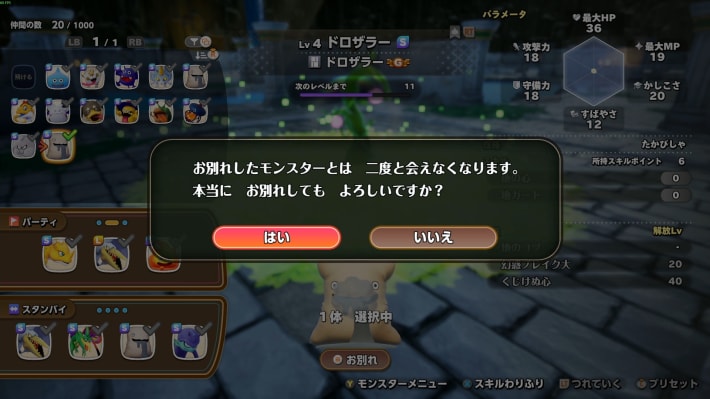
You can also say goodbye to monsters at the Paddock. When you do, the monster leaves behind a seed, so saying goodbye to monsters is an efficient way to collect seeds.
Renaming Monsters
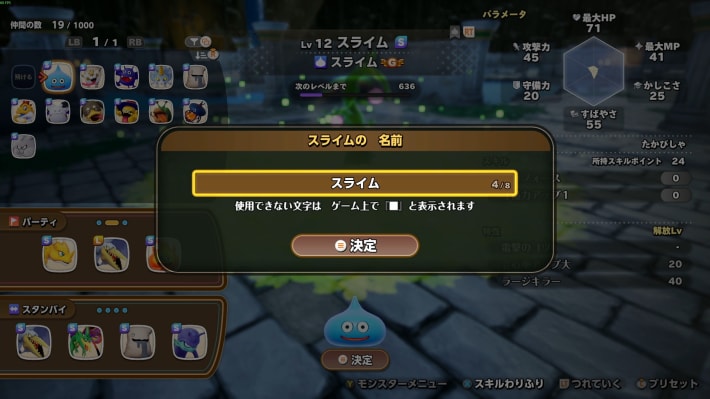
You can also change monster names at the Paddock. Names can be up to 8 characters long, but be careful: characters that can't be used in-game will appear as “■”.
Assigning Talents
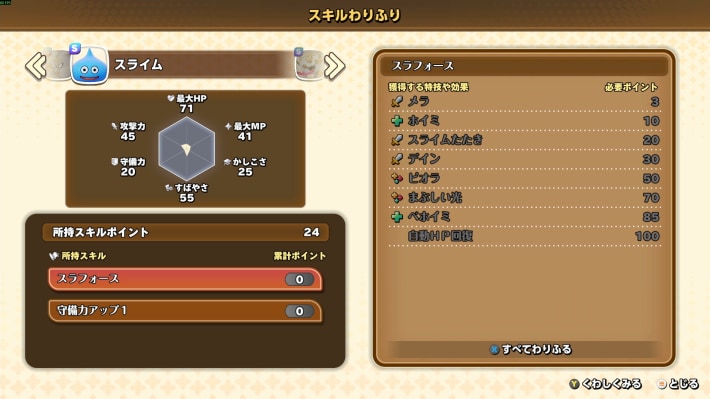
You can assign Talents to monsters left at the Paddock, too. You can assign Talents without adding them to your party or taking them out of the Paddock, so keep that in mind.
How to Farm and Inherit Talent Points
Interact With Your Monsters
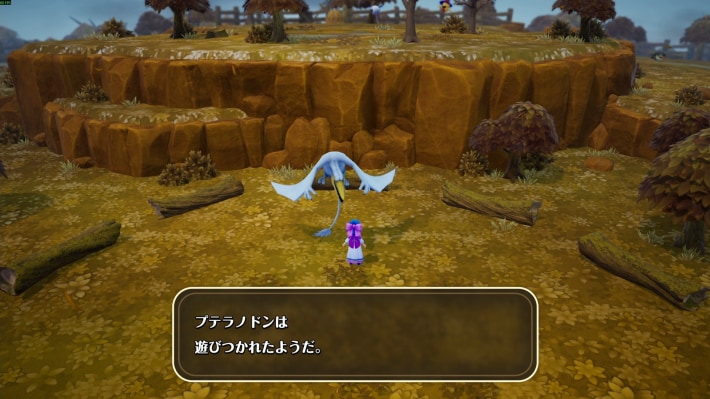
At the Paddock, you can enjoy interacting with the monsters you've left there. You can only interact with monsters in your Party, in Reserves, or marked as favourites, so make sure to set the monster you want to interact with as one of these beforehand.
Things to Note About the Paddock
Monsters in the Demo's Paddock Can't Be Transferred
| Can Be Transferred | Names, sizes, and Personalities of up to 8 monsters ↪︎ Only the Party and Reserves slots ↪︎ Note that L-size monsters take up 2 slots. |
|---|---|
| Can't Be Transferred | • Monster levels, Talents, Plus Values, and Family Tree • Story progress • Owned items and Gold |
In DQM: The Withered World, only the 8 monsters in your Party or Reserves can be transferred from the demo. Be aware that monsters left at the Paddock can't be transferred.
L-Size Monsters Reduce How Many You Can Transfer
Only monsters in your Party and Reserves slots can be transferred. However, L-size monsters take up 2 transfer slots, so if you really want to bring an L-size monster, use an S-size seed to shrink it.