Most of your character's look in Aniimo can be reworked after character creation. This page covers how to edit your appearance later, whether you can change your gender, how to change your clothing and unlock more cosmetics, how to share or import a face with a face code, and what you can customize at character creation.
How to Edit Your Appearance Later
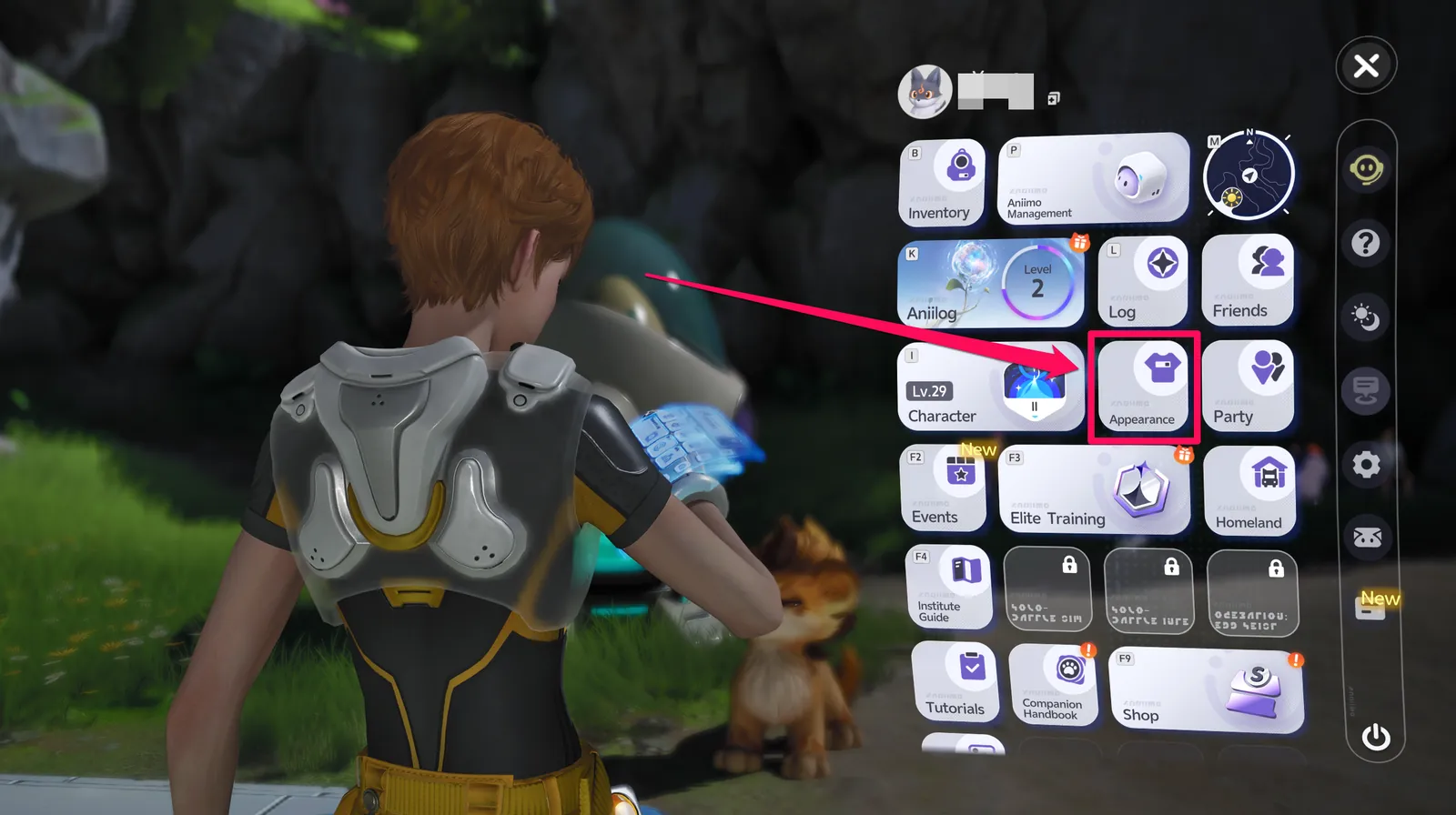
Yes, most of your look can be redone. The Main Menu has an Appearance option that lets you change your clothing, accessories, hairstyle, and general appearance at any time after character creation.
It isn't available from the start, though. The Appearance menu unlocks after you receive the Institute uniform during the Institute Initiation Quest.
| Option | Details |
|---|---|
| Change your face | Appearance > Design tab > Face Adjust |
| Change your hairstyle | Appearance > Design tab > Hairstyle Design |
Clothing Design (in the Design tab) is locked as of this writing, and there is no announcement yet of when it will unlock.
Can You Change Your Gender Later?
No. Gender is fixed when you first create your character and cannot be changed afterward, so decide before you confirm.
At character creation, you pick between 2 character types shown side by side. The game labels this character type rather than gender.
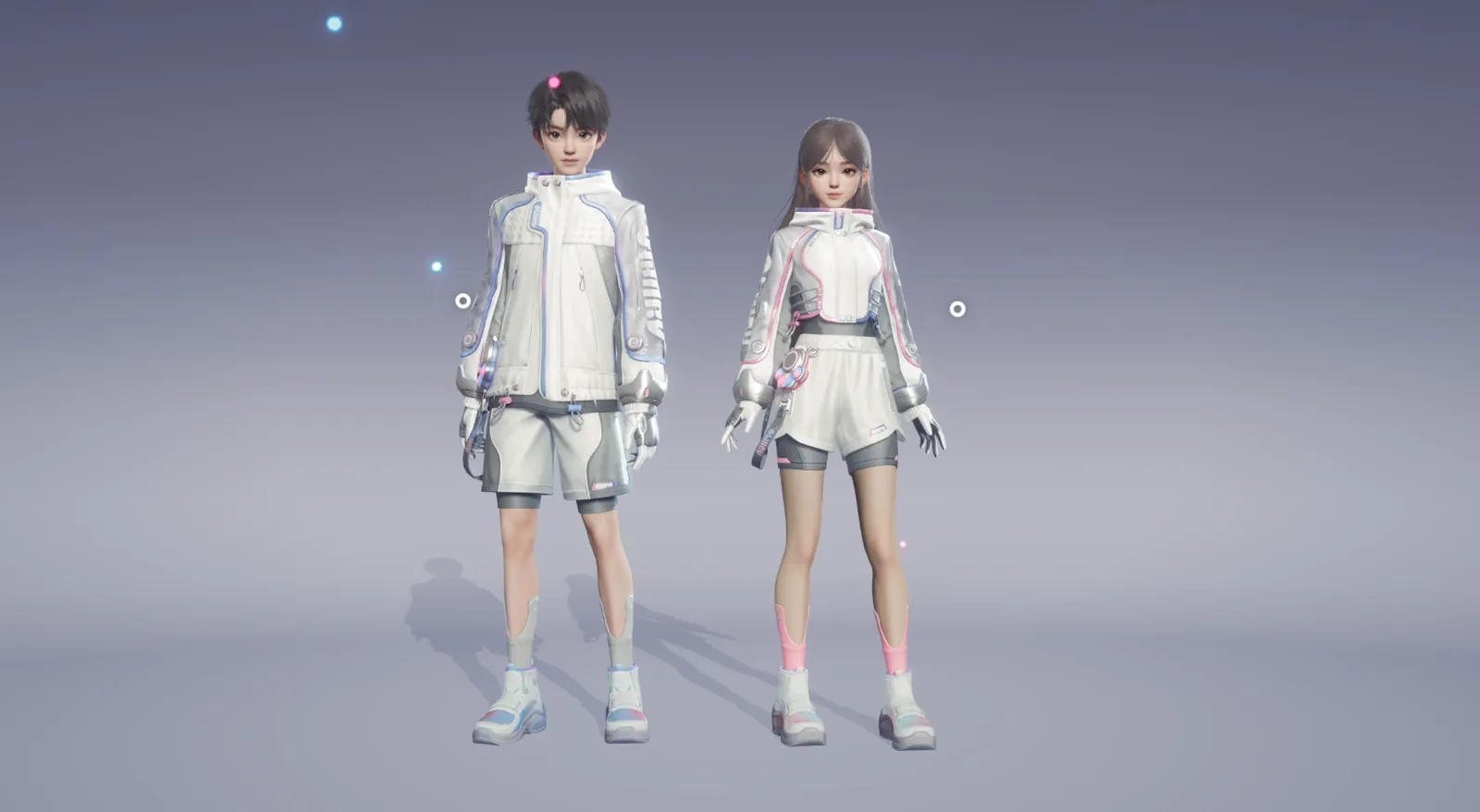
Your face and hairstyle are a different story: both can be reworked at any time from the Appearance menu. Only the character type is permanent.
How to Change Your Clothing
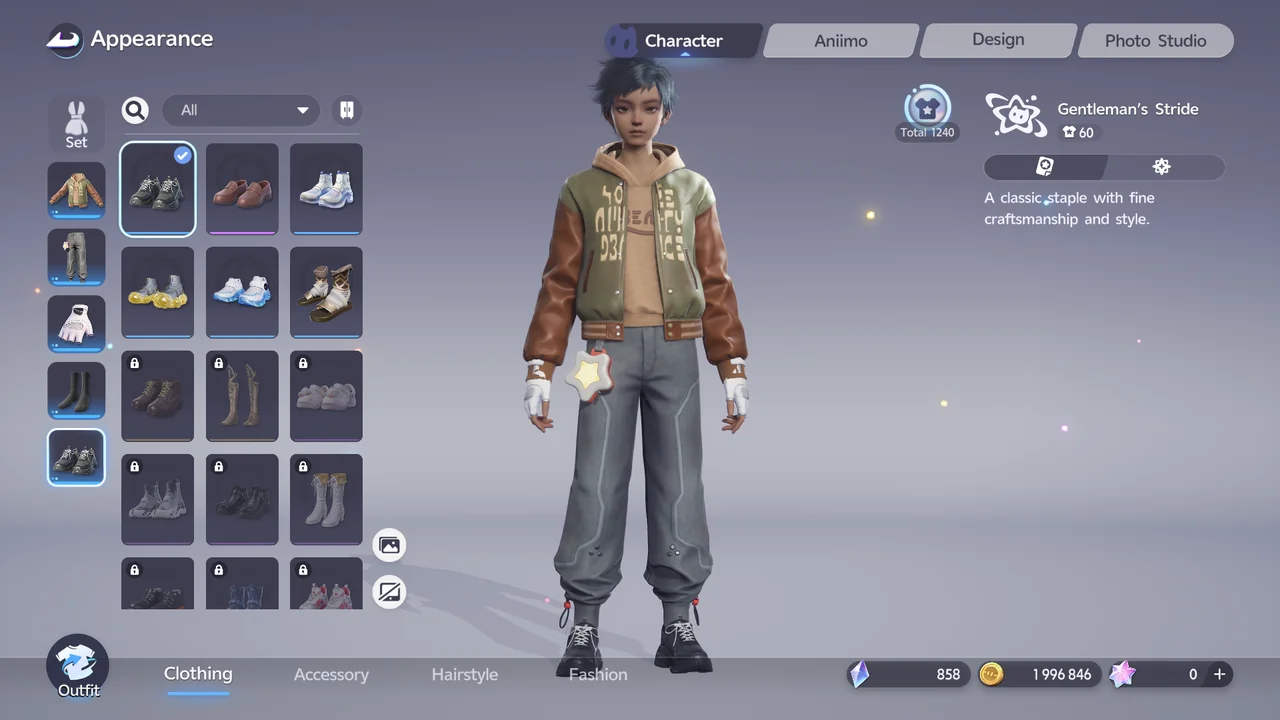
Go to Appearance > Character tab > Clothing to change what your character wears.
You can pick a full outfit set, or mix and match individual pieces for the top, bottom, hands, socks, and shoes.
How to Unlock More Cosmetics
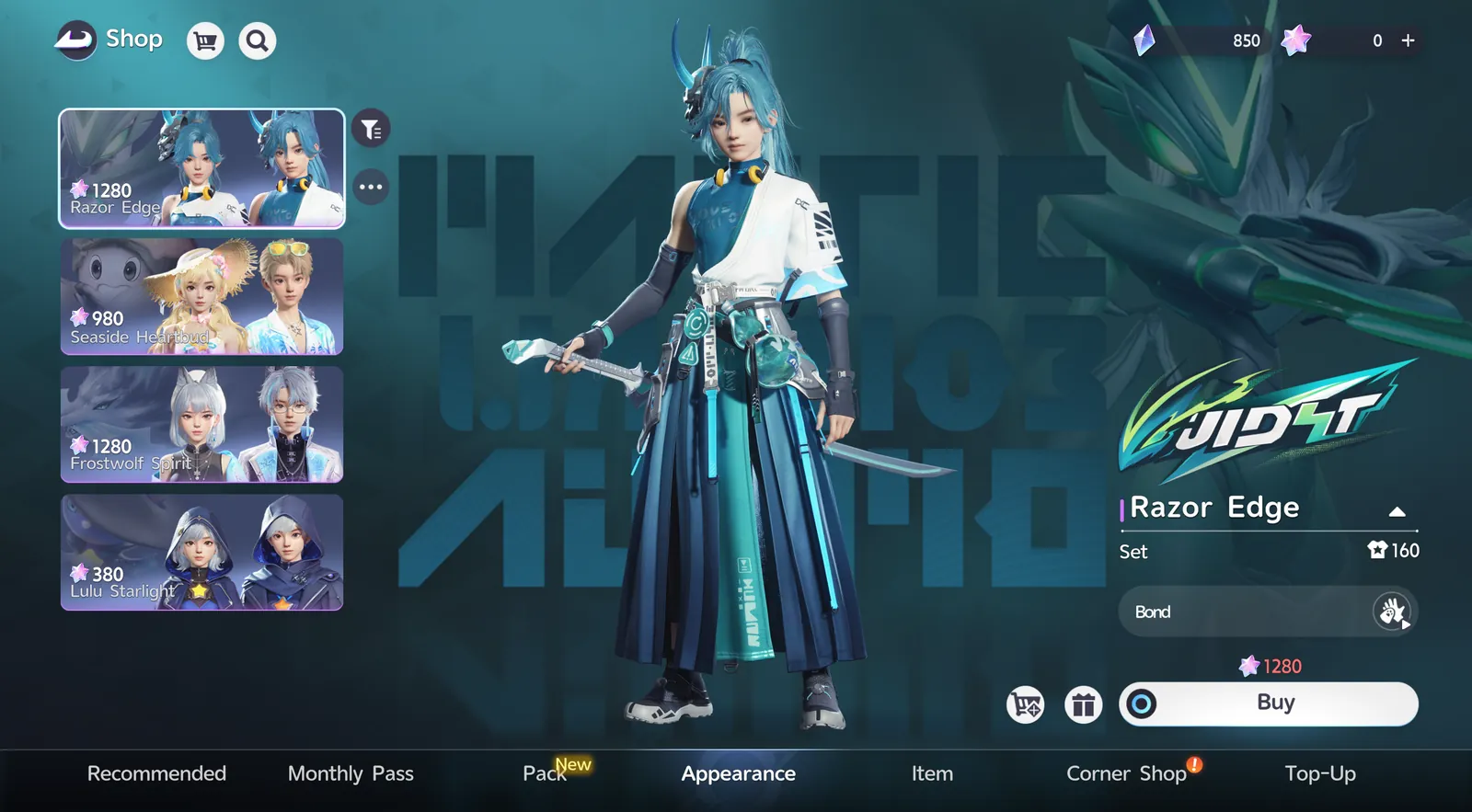
Hair Salon Cards and Redesign Cards can be purchased from the Shop using Glimmer.
Beyond that, cosmetics come from Quest and Event rewards, or from the Shop's dedicated Appearance tab, which sells outfit sets for a premium currency (Lumin Crystals).
Progressing through the story can also sometimes reward you with new outfits and accessories.
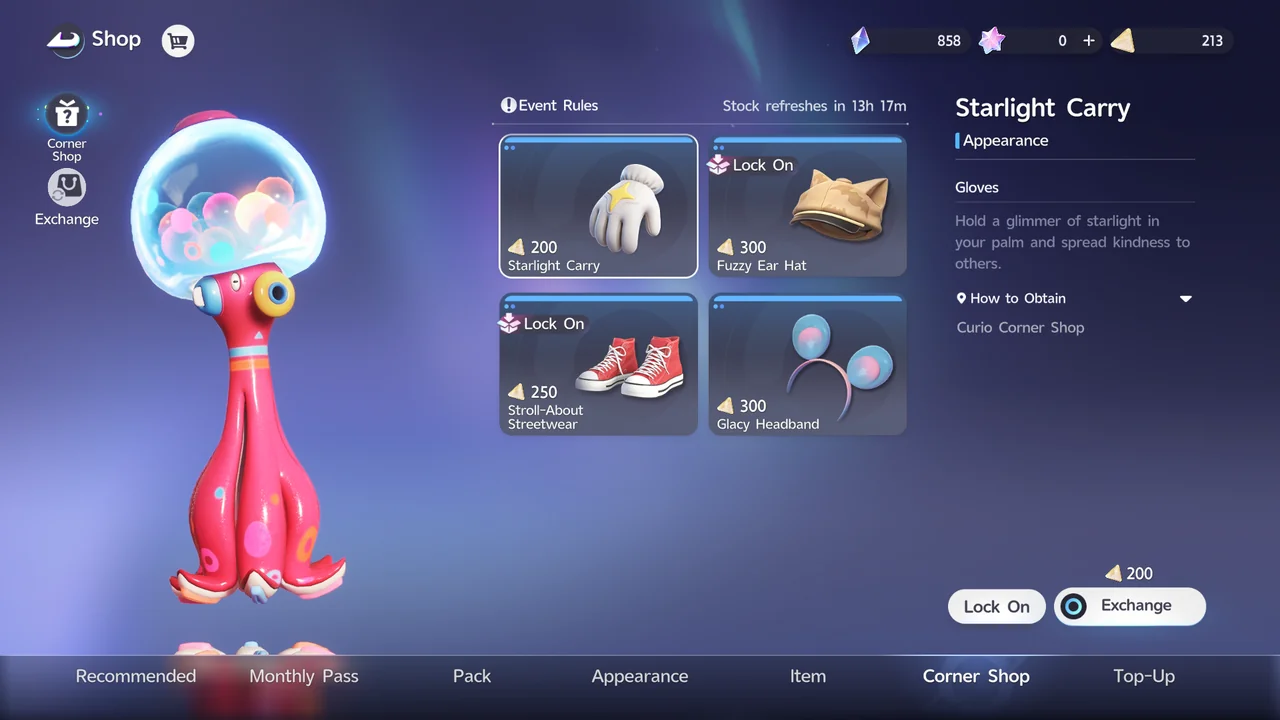
You can also get clothes from Shop > Corner Shop, where they're exchanged for Voxel Coins. Voxel Coins can be earned from Aniimo Catches Report, Astra Collection, Holo-Battle Interlink, and the Star-Crossed Tea Party, among other sources.
How Face Codes Work and How to Share Them
To share or import a face, go to Appearance > Design tab > Face Adjust, then select Share or Import at the top right of the screen.
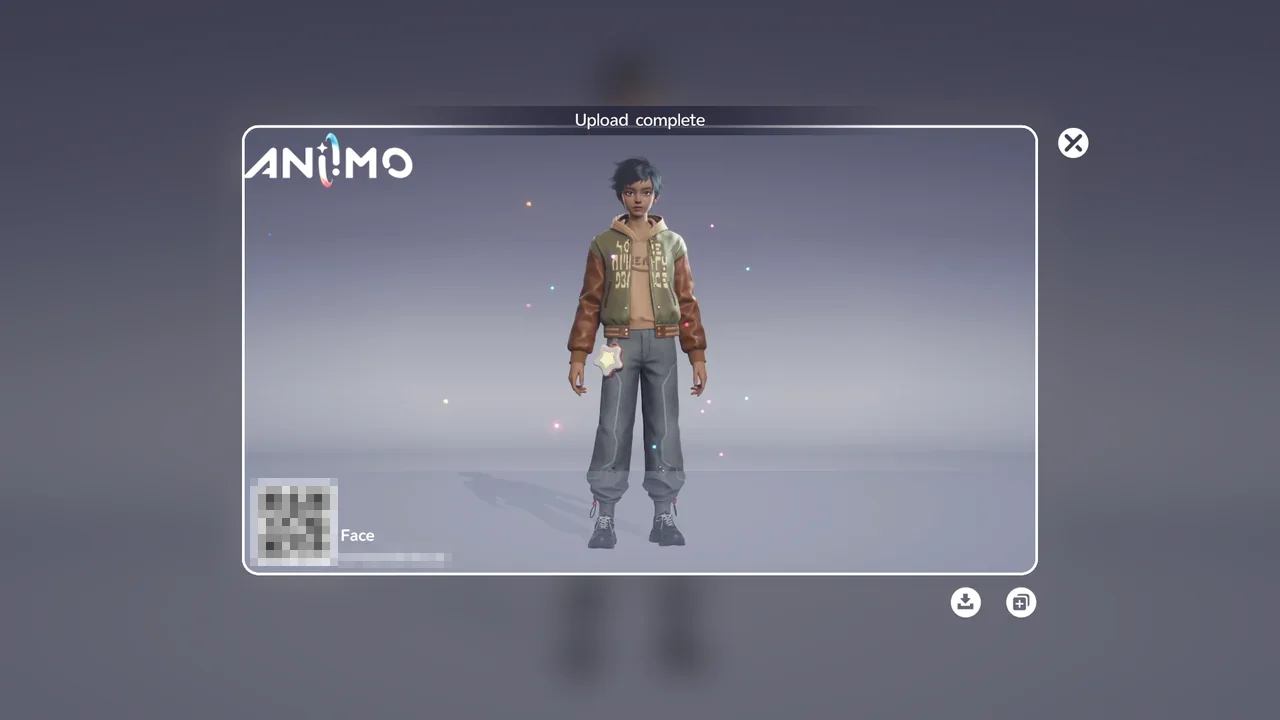
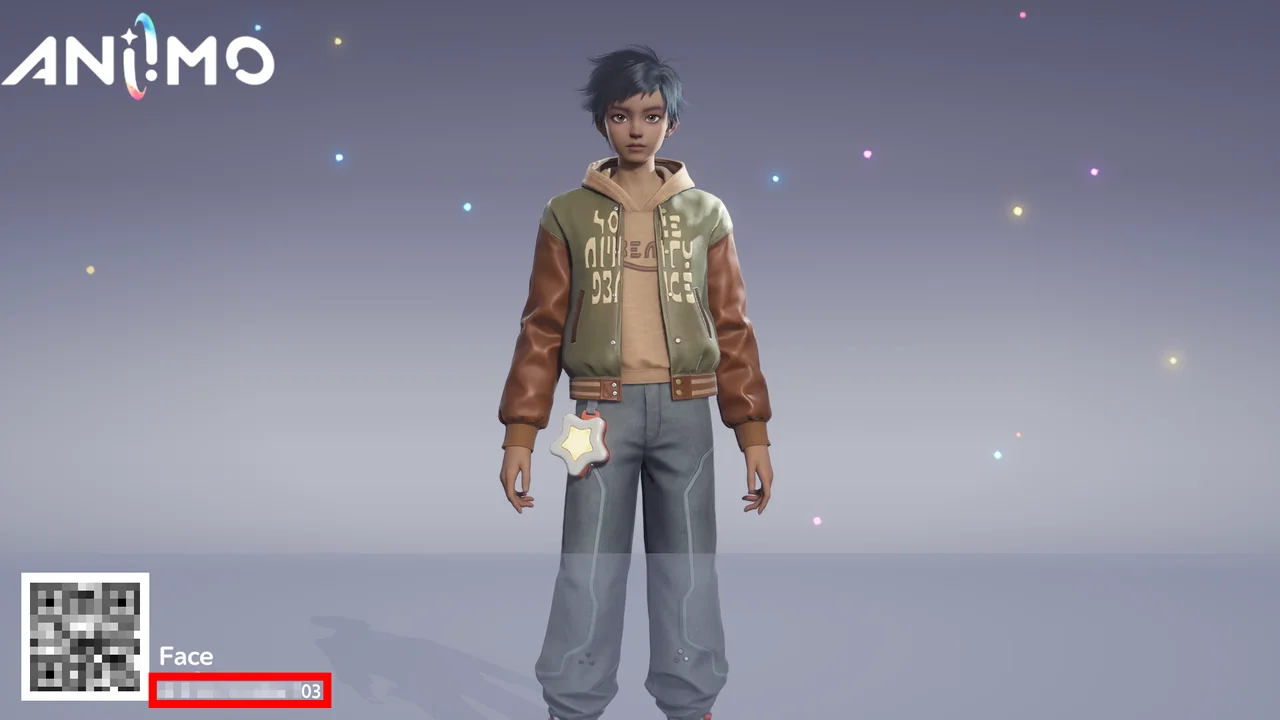
Select Share to upload your face design. You get a share image with a QR code and a face code next to it. Send either one to a friend, and they can apply your face to their own character.
Select Import to open the Import Face Data screen. There you can scan an image that contains a friend's QR code to load their face.
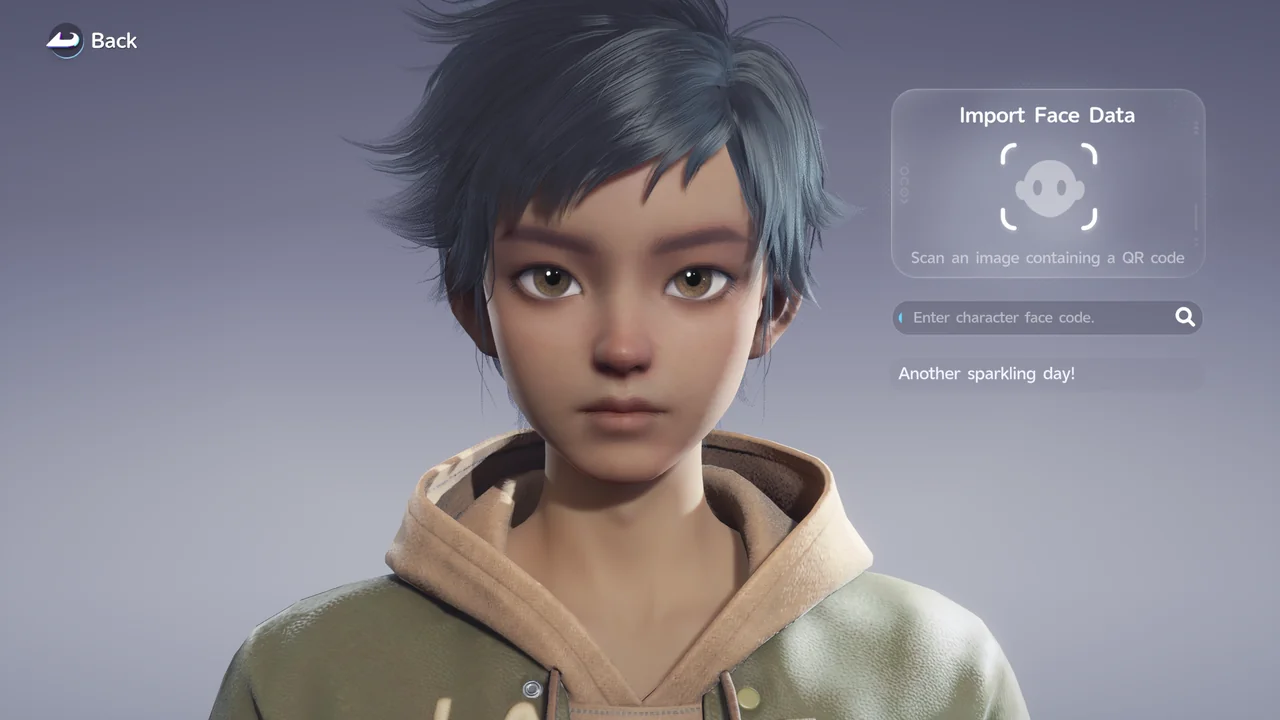
Instead of scanning, you can also type the face code into the Enter character face code field. The code is printed right next to the QR code on the share image.
What You Can Customize at Character Creation
Character creation is split into 4 tabs: Face, Makeup, Hair, and Body Type.
You also choose a character type (female or male).
| Option | Details |
|---|---|
| Face | Face Shape (width, length, size, plus cheekbones, cheeks, chin, and jawline), Eyes (vertical, spread, horizontal, angle, width, plus eyelids, eye corners, pupils, and eyeballs), Nose, Mouth (vertical, width, depth, size, plus mouth corners, upper lip, and lower lip), and Ears (angle, size, tilt, and height). |
| Makeup | Skin tone, eyelashes, brows, pupils, iris pattern, makeup, blush, lip makeup, and face tattoos. |
| Hair | Hairstyle and dyeing. |
| Body Type | Arms, torso, and legs. |
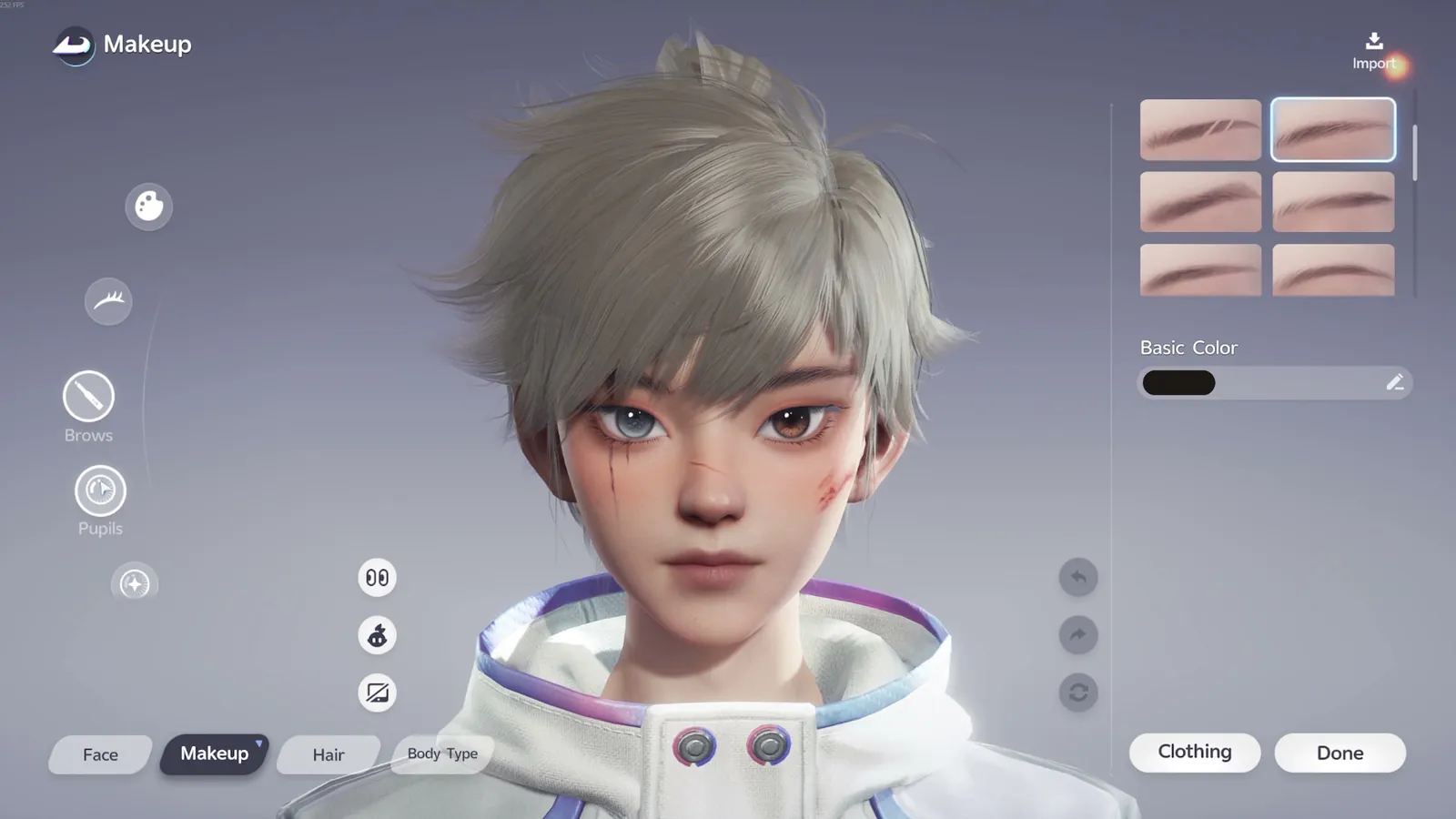
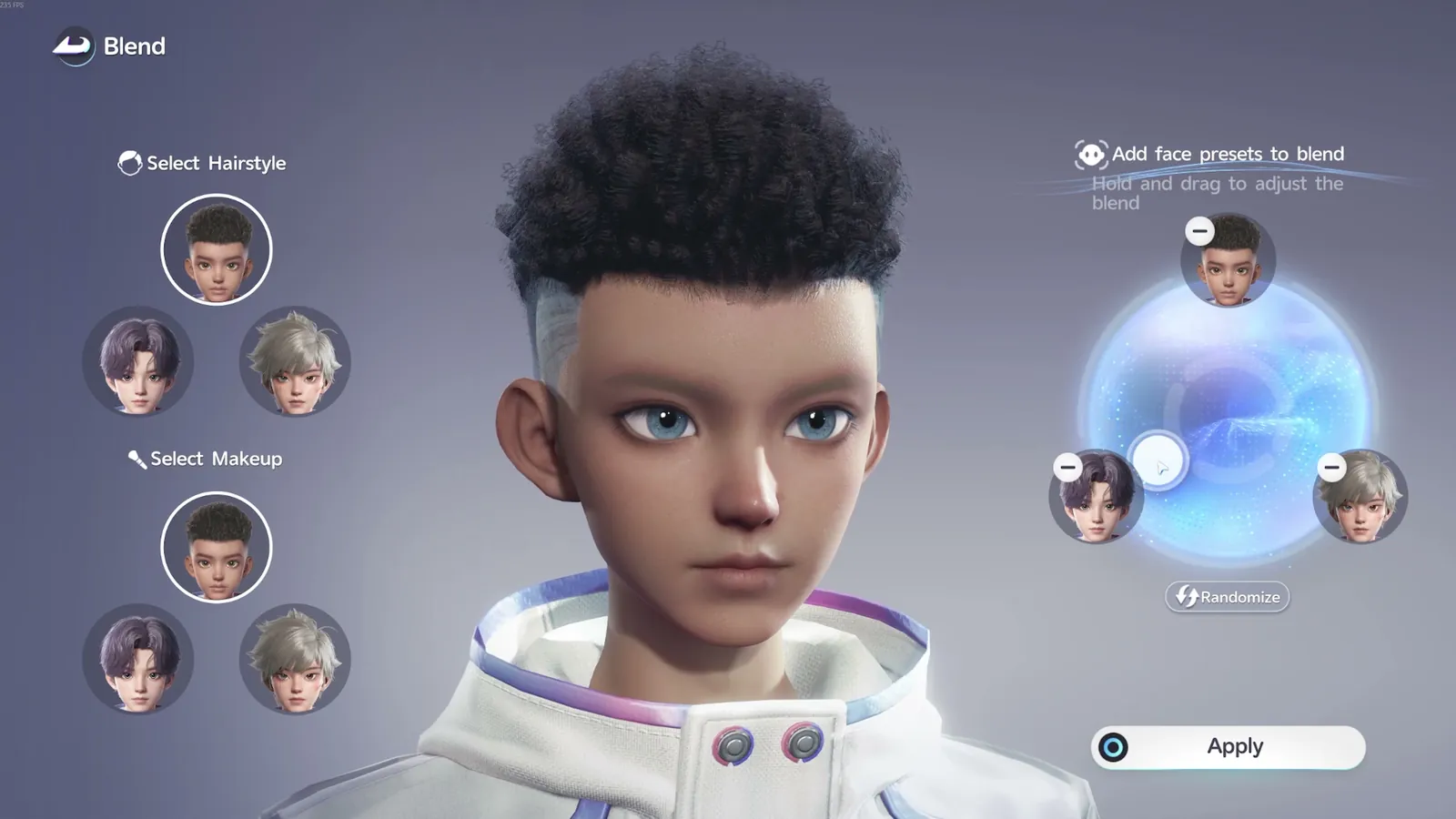
While creating your face, the Blend tool lets you combine 3 face shape presets into a new option: drag the circle to adjust the mix, then confirm to apply it.