
This guide covers the three Pathfinding abilities, which Aniimo abilities help while exploring, how Stamina and the Breezy Plains Branch fit in, and the mechanisms, hazards, and encounter conditions you'll run into.
How Pathfinding Works
Climb, Swim, and Fly are the three Pathfinding abilities. You can swim on your own while you're not Twined with an Aniimo, but climbing and flying need an Aniimo that has the ability, either deployed and Twined or set up for Pathfinding.
Each Pathfinding ability comes in 3 levels, and a higher level means faster movement and less Stamina drain while you use it.
As of the current version, Climb is the only Pathfinding ability that reaches level 3, and only Blazen (Prismana Form, Alpha, or normal) can use it at that level. Swim and Fly only go up to level 2.
Some Aniimo, such as Celestis, can use two Pathfinding abilities.
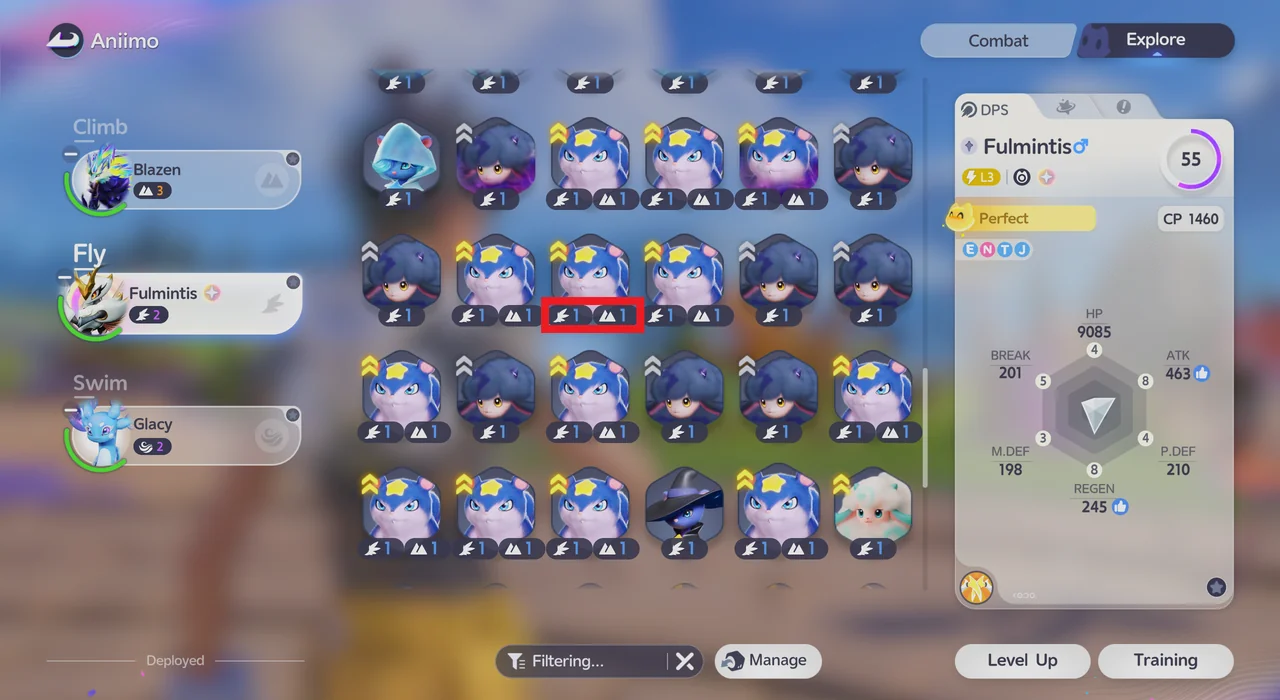
How to Set Up Your Explore Party
Open the Aniimo management screen and switch to the Explore tab. Here you pick which Aniimo to use for each Pathfinding slot: Climb, Fly, and Swim. Each Aniimo's ability level is shown next to its icon.
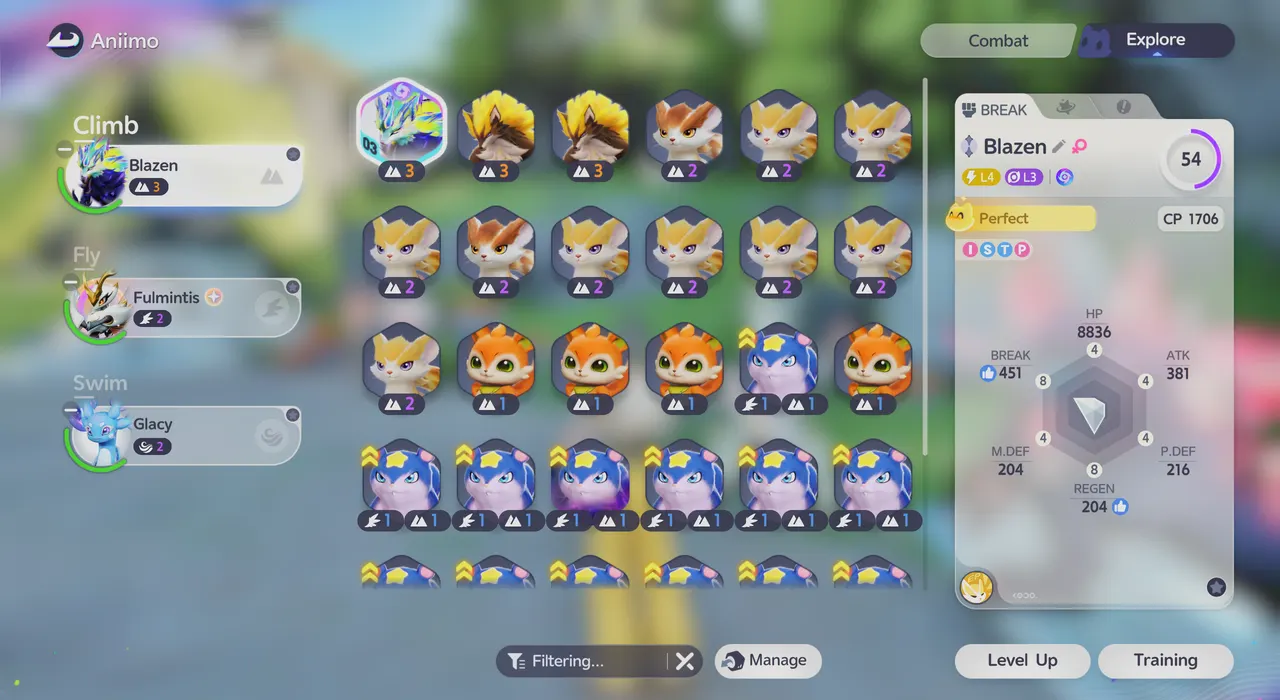
Every Aniimo you catch can be Twined with, so even a species that isn't great in combat can still earn a spot for exploring.
Aniimo Abilities That Help While Exploring
| Ability | What It Does |
|---|---|
| Climb | Climb trees and walls to reach higher areas. Press X to cancel the climb. |
| Fly | Reach higher terrain and platforms. While flying, Space goes up, Ctrl goes down, and X exits. |
| Water Aniimo | Travel across deep water. |
| Hustle | Useful for covering wide areas. Press T to activate it and move faster. |
| Fire Aniimo | Burn away Thornbushes, and melt snowballs and even huge chunks of ice. |
| Tunnel | Burrow underground to become immune to ranged attacks. It drains Stamina the whole time, and pound skills can still knock you into the air. Press T (Burrow Up) to come back up. |
| Cloak | Turn invisible for 15 seconds with the T button. Handy for getting into position before catching a rare Aniimo. |
Climb
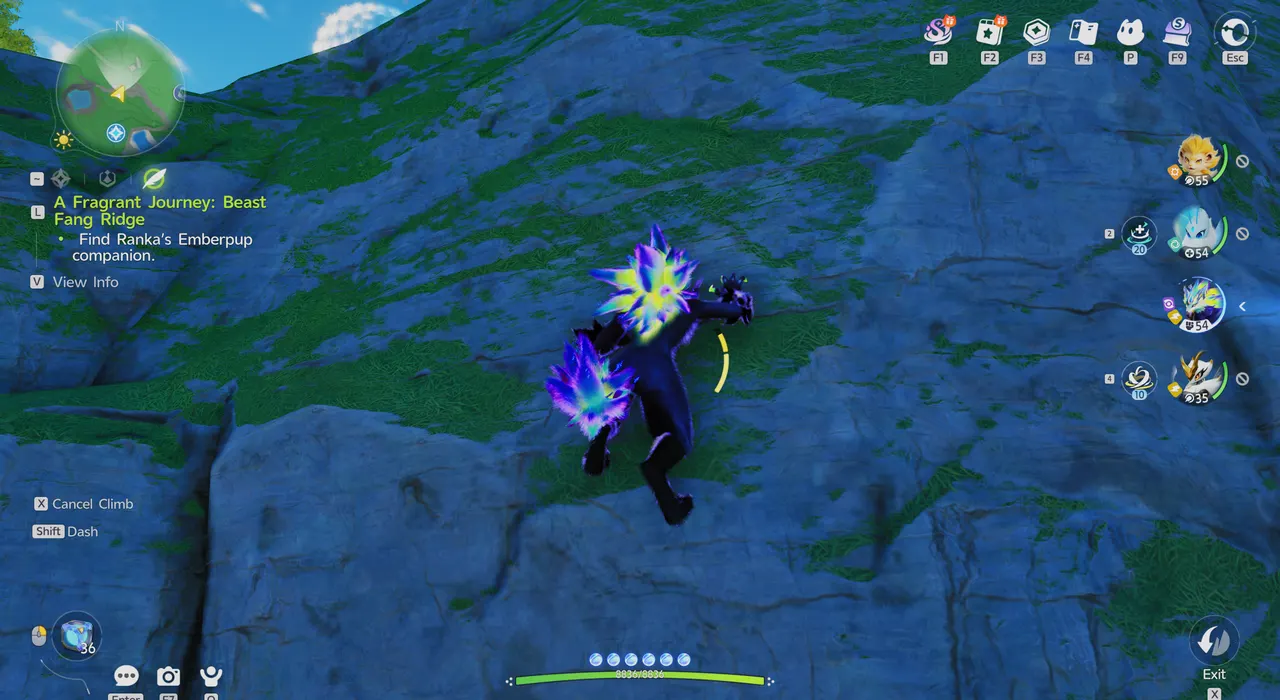
Climb trees and walls to reach higher areas. While climbing, a Cancel Climb (X) prompt appears on screen. In the screenshot you're Twined with Blazen, which is set in the Climb slot of the Explore tab at level 3.
Fly
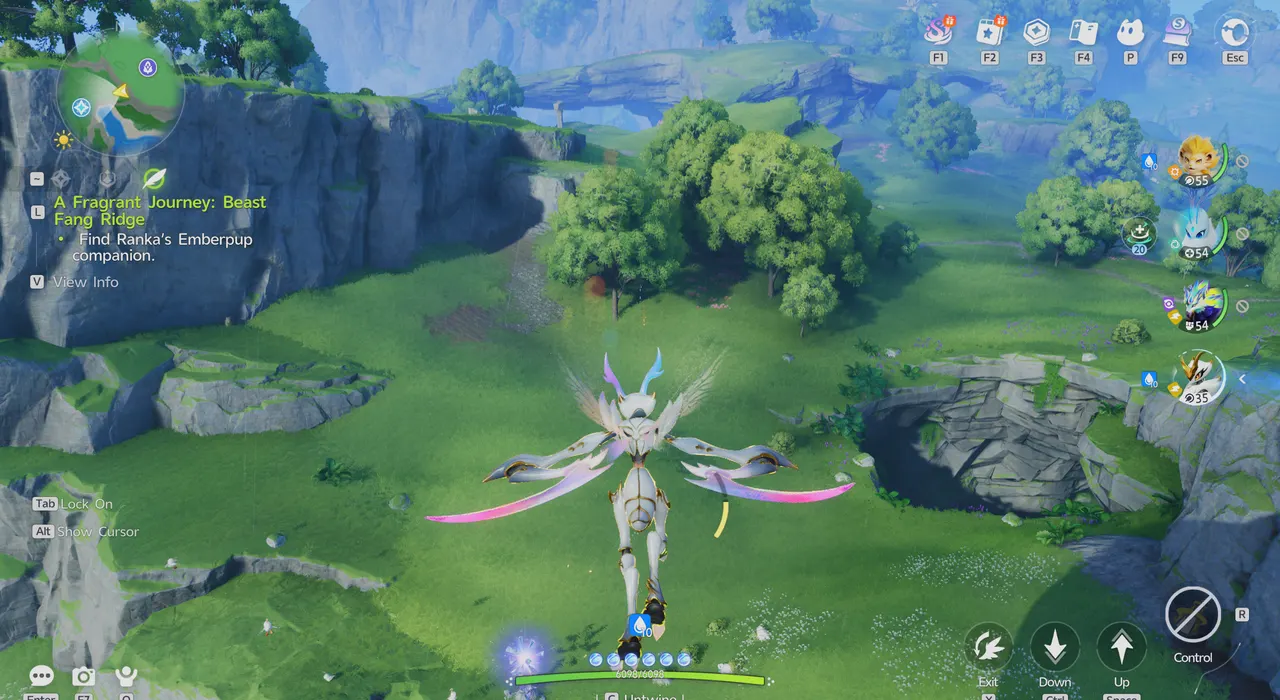
Twine with an Aniimo that has Fly to reach higher terrain and platforms. While flying, Space goes up, Ctrl goes down, and X exits. The screenshot shows Fulmintis, which sits in the Fly slot of the Explore tab at level 2.
Water Aniimo
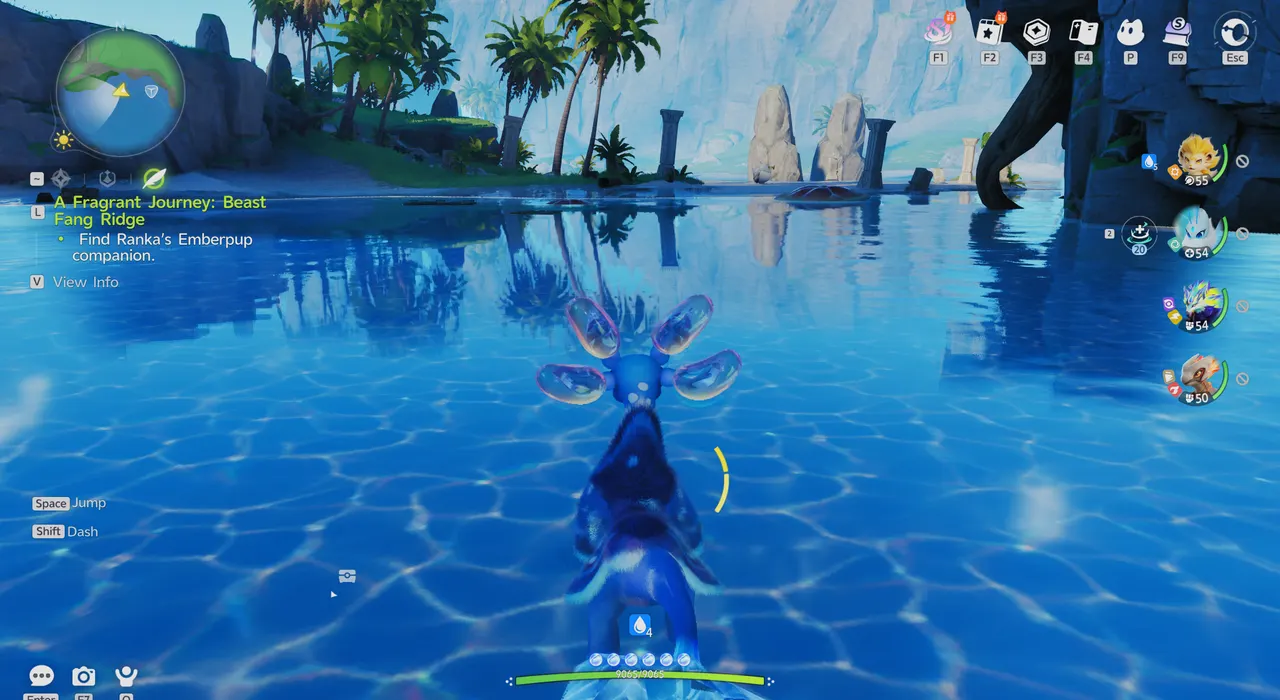
Water Aniimo let you travel across deep water. The screenshot shows Glacy, which sits in the Swim slot of the Explore tab at level 2. You can also swim on your own while you're not Twined with an Aniimo.
Hustle
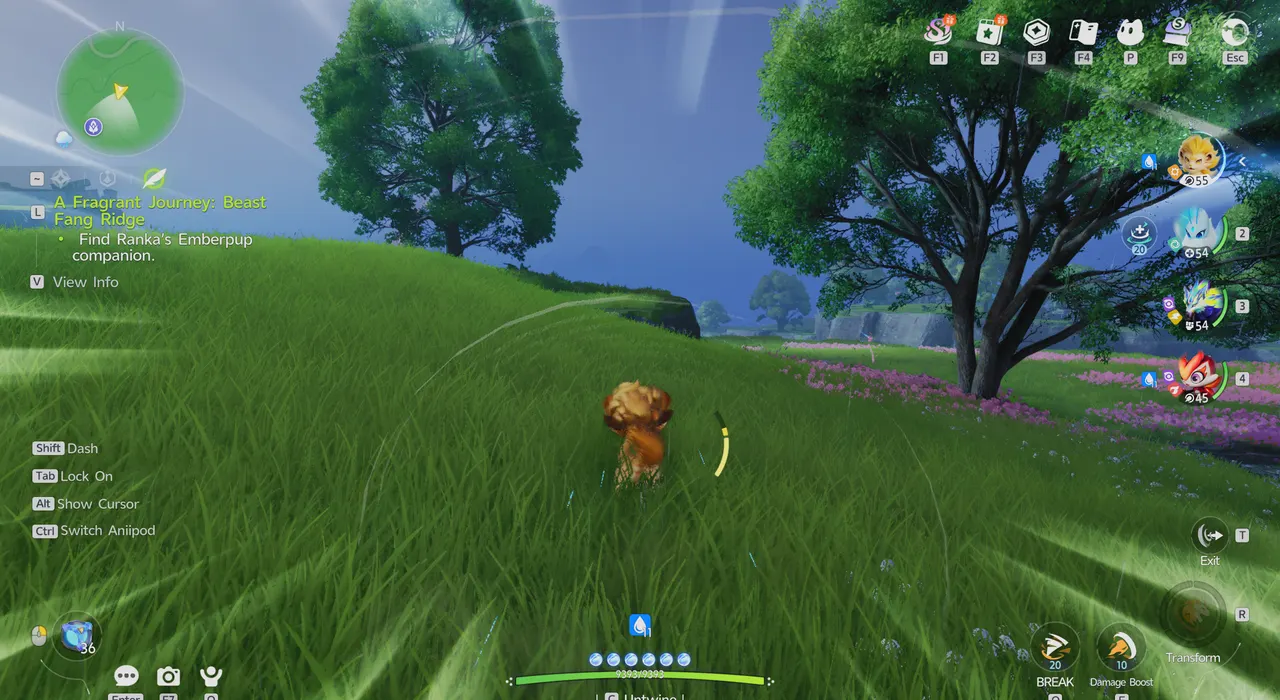
Hustle is useful for covering wide areas. Press T to activate it and move faster. The screenshot shows Helion using Hustle, with an Exit (T) button in the bottom-right corner.
Fire Aniimo
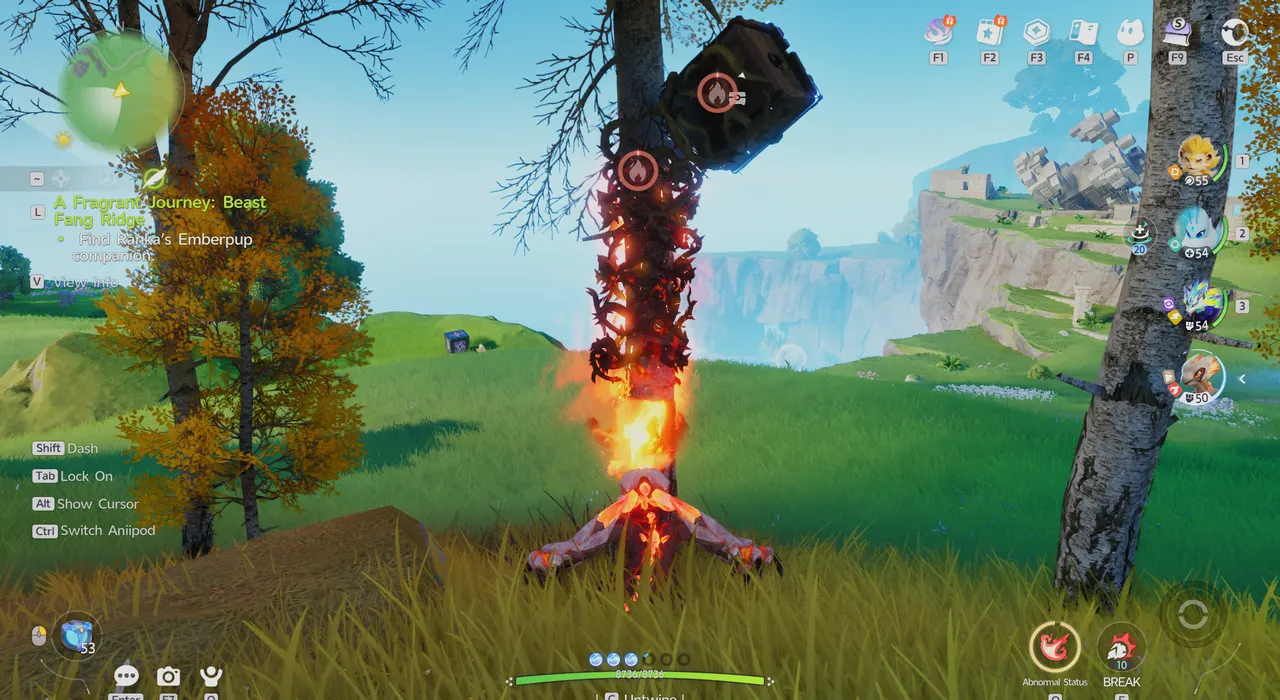
Fire Aniimo can burn away Thornbushes, including ones wrapped around chests, and melt snowballs and even huge chunks of ice. The screenshot shows Lavazar setting a Thornbush on fire.
Tunnel
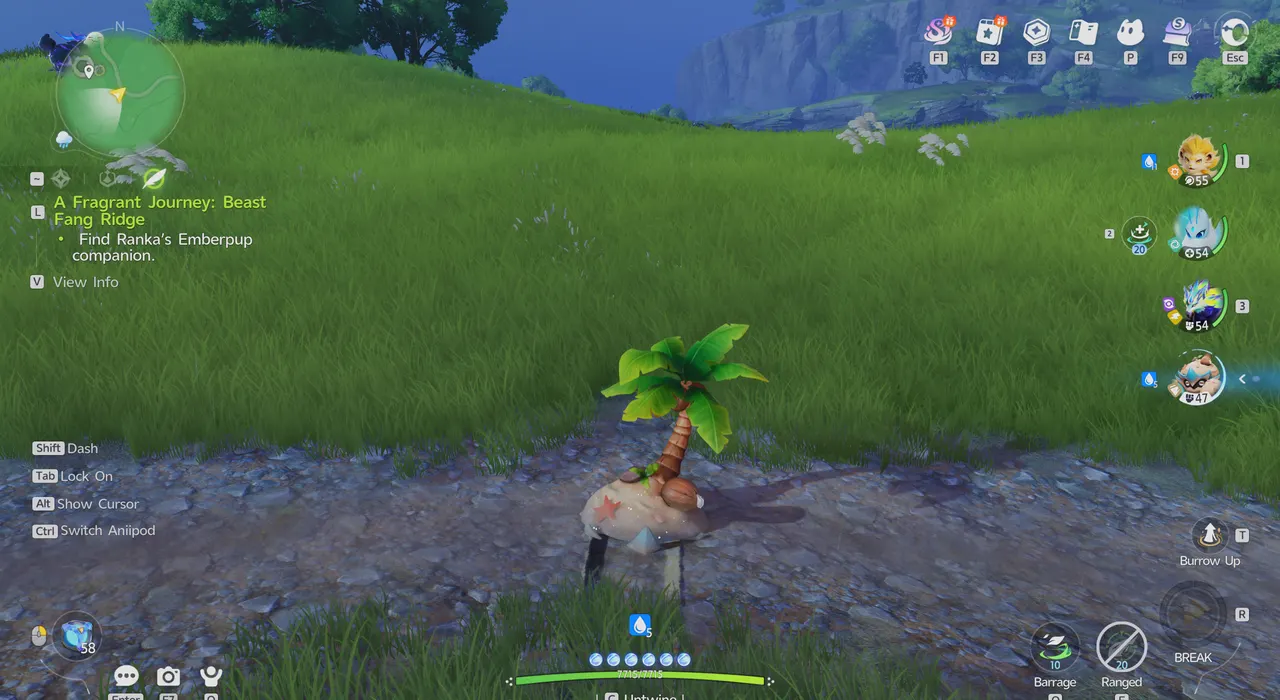
While you're burrowed underground with Tunnel, ranged attacks can't hit you, but Stamina drains the whole time and pound skills can still knock you into the air. A Burrow Up (T) prompt appears while you're underground. The screenshot shows Shrubclaw using Tunnel.
Cloak
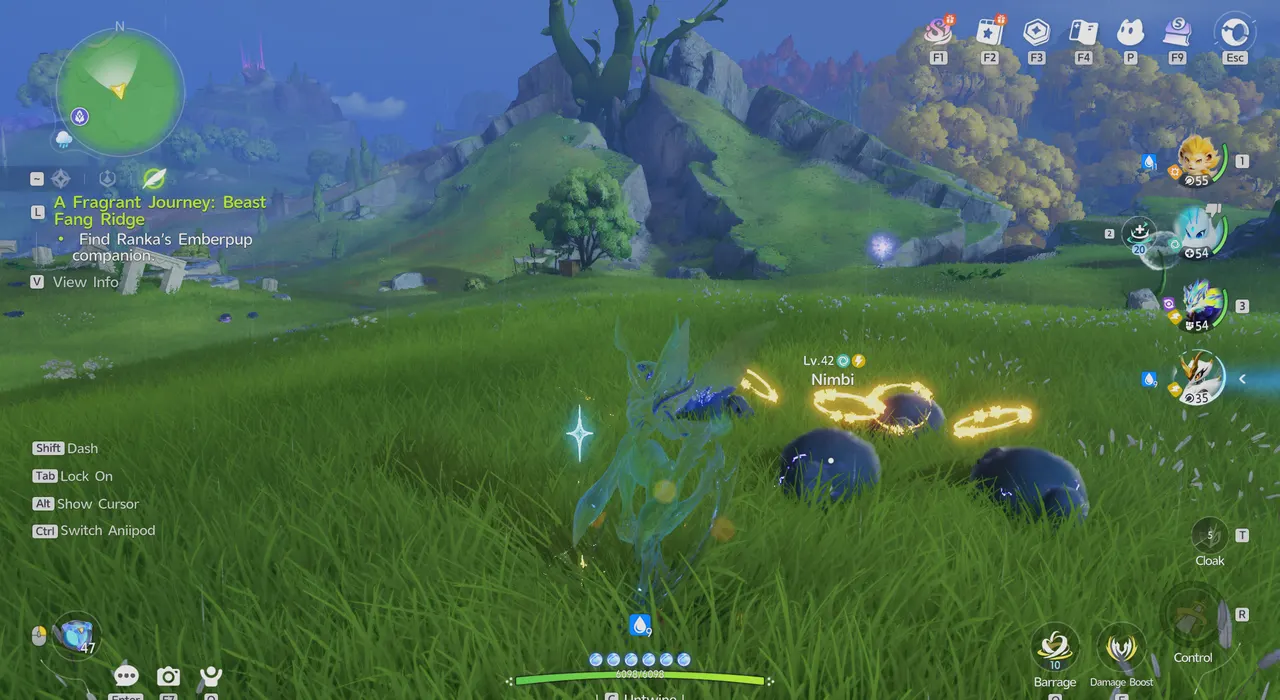
Cloak turns you invisible for 15 seconds, which is handy for getting into position before catching a rare Aniimo. While you're Twined with an Aniimo that has Cloak, a Cloak (T) button appears in the bottom-right corner. The screenshot shows Fulmintis, the same Aniimo that fills the Fly slot above.
Stamina and the Breezy Plains Branch
Sprinting, Hustle, Fly, and dodging in battle all use Stamina.
Infusing Energy into the Breezy Plains Branch raises your Stamina cap. For example, the Blossoming node shows "Stamina cap increased by 10%." The Wanderer's Might node, unlocked at 150 Infused, means moving around Breezy Plains out of combat no longer costs Stamina.
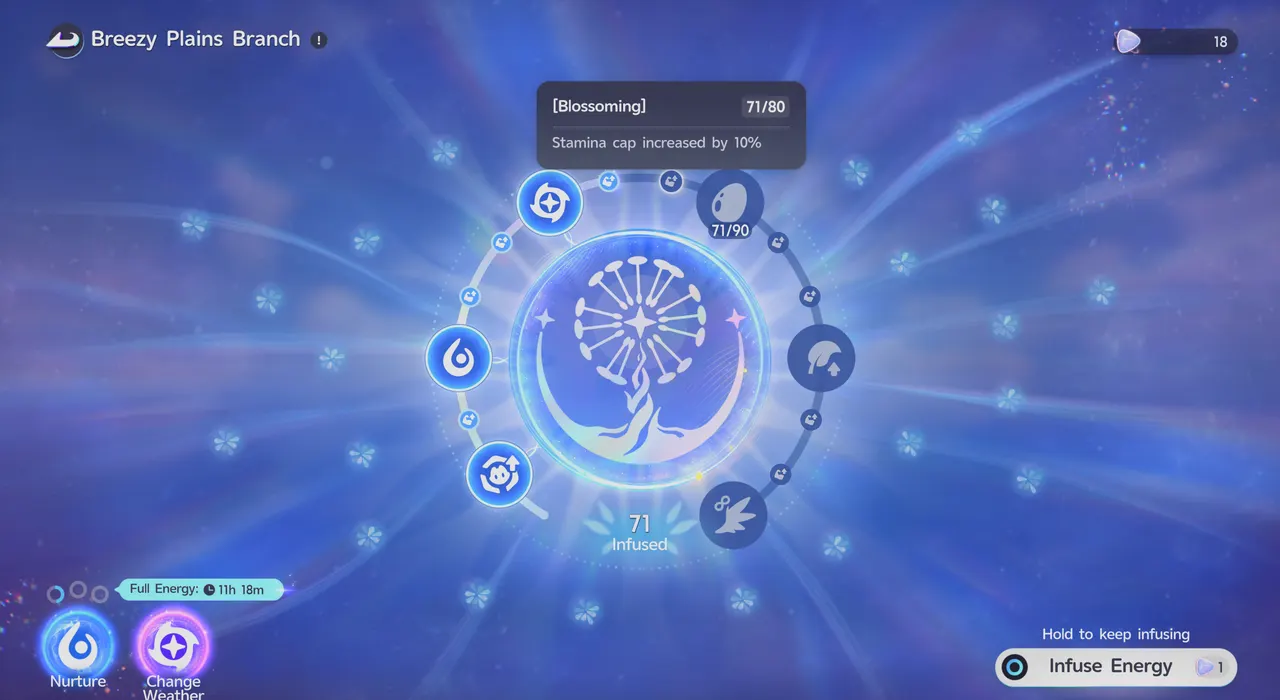
You infuse Energy with Lumin Amber, which is scattered across the map and also comes from Sanctums, exploration puzzles, first clears of Alpha and Omega Challenges, and events. The Branch screen also has Nurture and Change Weather options.
What to Look For While Exploring
Chests can hold Aniipods, Credits, and other useful materials. Aniimo Eggs are sometimes sitting on top of columns or trees; hatch them in a Hatchinator at an Outpost or your Home.
Open-World Mechanisms
| Mechanism | How to Solve |
|---|---|
| Shielded Chest | Stays locked until you solve the mechanism linked to it. |
| Shielded Lumin Amber | Stays locked until you defeat or catch the Aniimo guarding it. |
| Power Node | Trace the nodes outward and place batteries on top to solve it. |
| Ancient Lithorail and Ancient Iron Crate | Need the breaking ability of a Cubbo or a Grizbo. |
| Thornbush | Can wrap around chests or block a path. Burn it with a Fire Aniimo. |
Environmental Hazards
| Hazard | Effect |
|---|---|
| Dazeshroom | Grows in The Mistwoods. Touching one leaves you unable to move. |
| Swamp | Walking through it slows you down drastically. |
| Cubbo's Rose | Releases pollen when hit by a shock wave, putting both people and Aniimo into a deep sleep. |
| Springy Tuftball | After absorbing electric energy, it launches any Pathfinder or Aniimo that touches it into the air. |
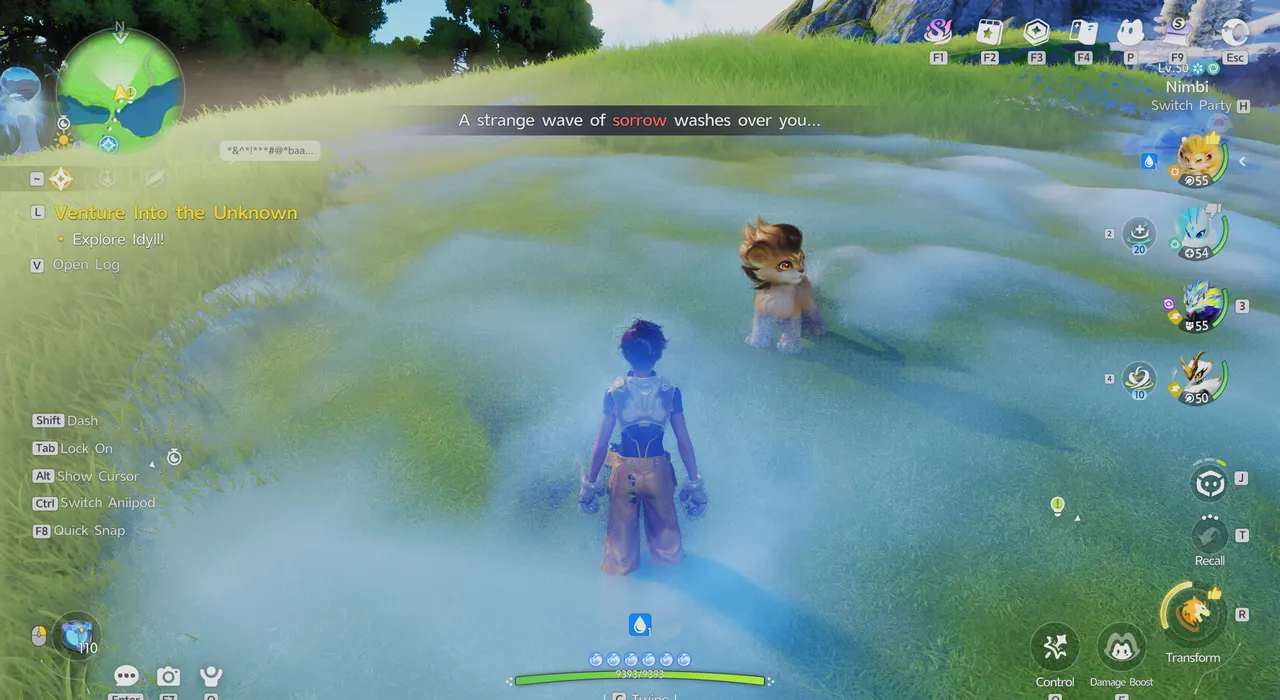
| Melancholic Mist | Given off by a form of Nimbi. Touching it inflicts Sorrow, and staying in too long inflicts Withdrawn, which makes it hard to move. |
Aniimo Encounter Conditions
Some Aniimo only appear at certain times of day or in certain weather. If a species won't show up, come back under different conditions, such as after a weather change.
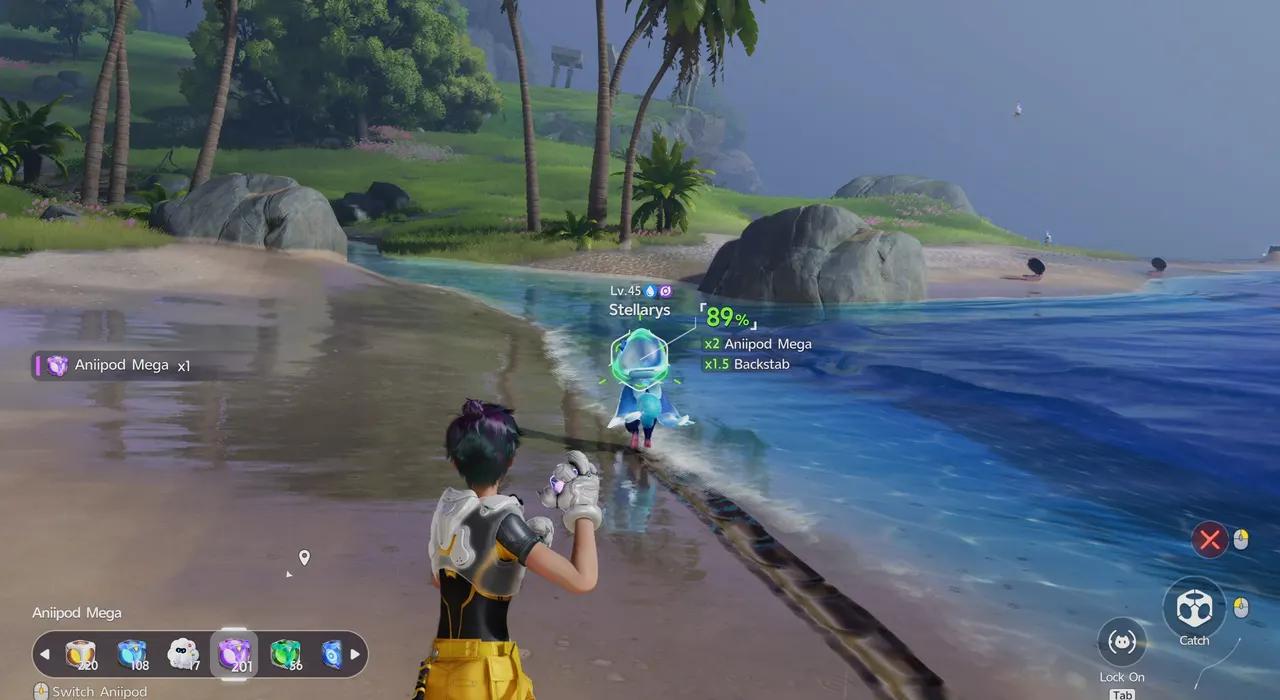
For example, Rainstorm Form Stellarys appears in the Forest of Falling Stars only in Rainy or Thunderstorm weather. You can change the time of day from the Function Menu with the Day and Night Cycle option, and some Aniimo, such as Sparki, only come out at night.
How to Increase Your Stamina · Lumin Amber: Location Map, Uses & Branch Rewards · How to Change the Weather · Aniimo Index · All Guides