
Growing your own crops on Farmland keeps your Homeland's food and Home Coin income flowing, and once you have the basics down you can automate the whole loop with your Aniimo. Here's how planting, processing, and Aniimo-powered farming work.
How to Plant Crops
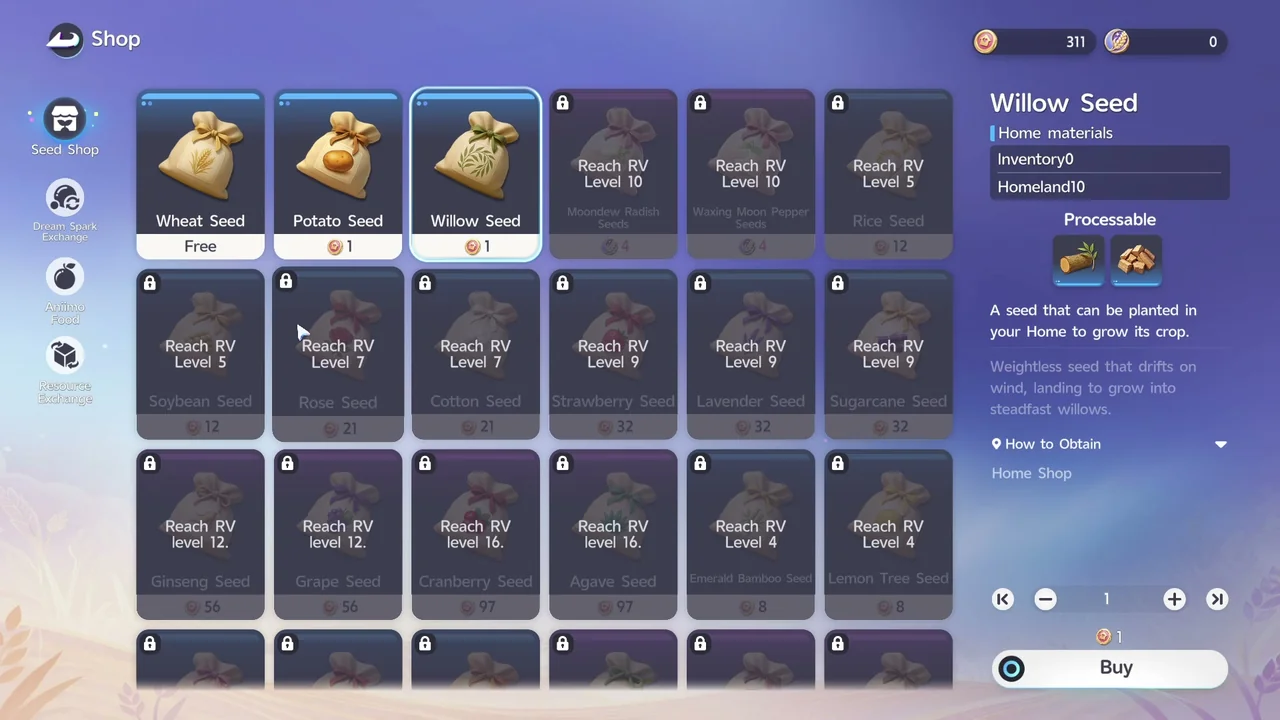
- Buy seeds from BINI #2333, the Homeland Shop Robot
Wheat Seeds are free from the Homeland Shop Robot, making them the best crop to start with. Note that there's another BINI #2333 nearby with a different role, the Order Robot, so make sure you're talking to the Shop Robot when you want to buy seeds.
- Place a Farmland in one of your Plots
Open the Build menu, go to Functional Facilities, then Materials Production, and place a Farmland in one of your Plots.
- Set what to grow
Approach your Farmland and select Settings to choose which crop it will grow.
- Sow your seeds
With the crop set, select Sow to plant the seeds you bought.
- Wait for your crops to grow, and water them if you can
Crops need time to mature, around 4 minutes for Wheat, though other crops take different amounts of time. A crop that wants water shows a water drop icon above it, and watering it shortens the time left until it's ready.
- Reap your mature crops
Once a crop has matured, approach the Farmland and select Reap to harvest it.
- Pick up your crops
Select Pick Up to move your harvested crops into your Home Warehouse. That completes the planting cycle.
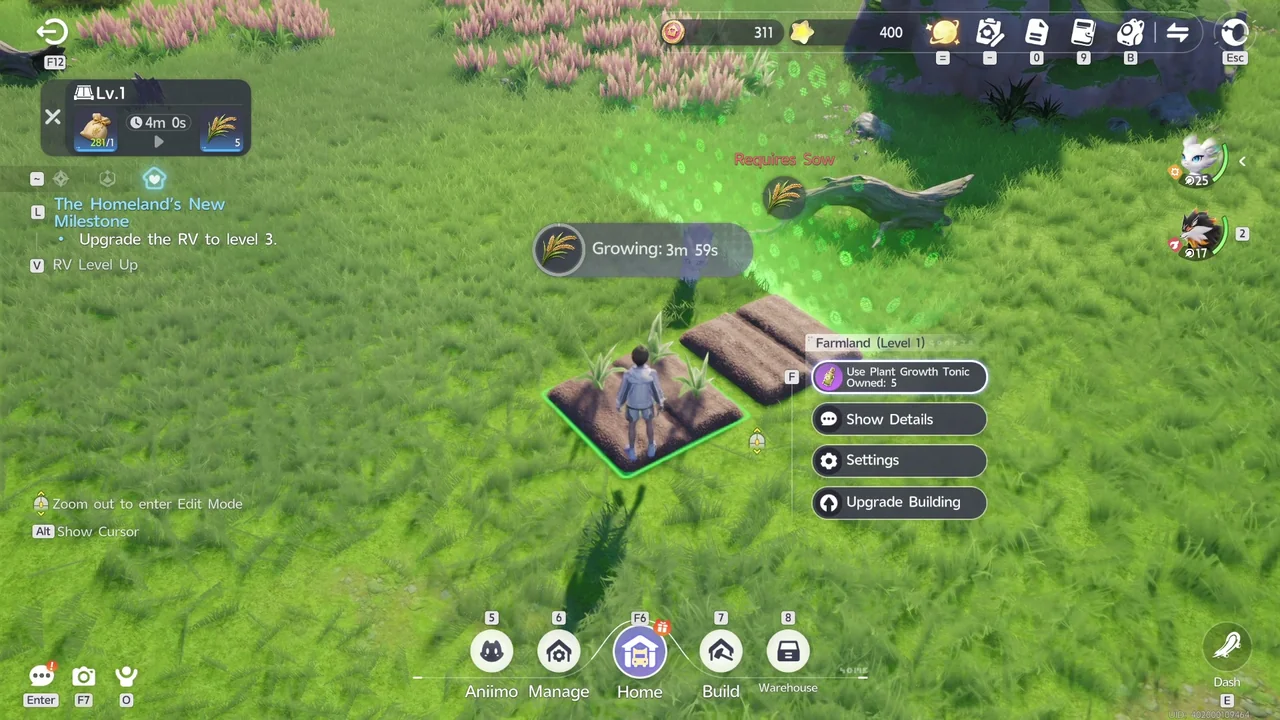
Save your Plant Growth Tonic for crops that take much longer to mature. Fannie gives you 5 for free, and buying more from the Homeland Shop Robot costs Glimmer, a rare resource.
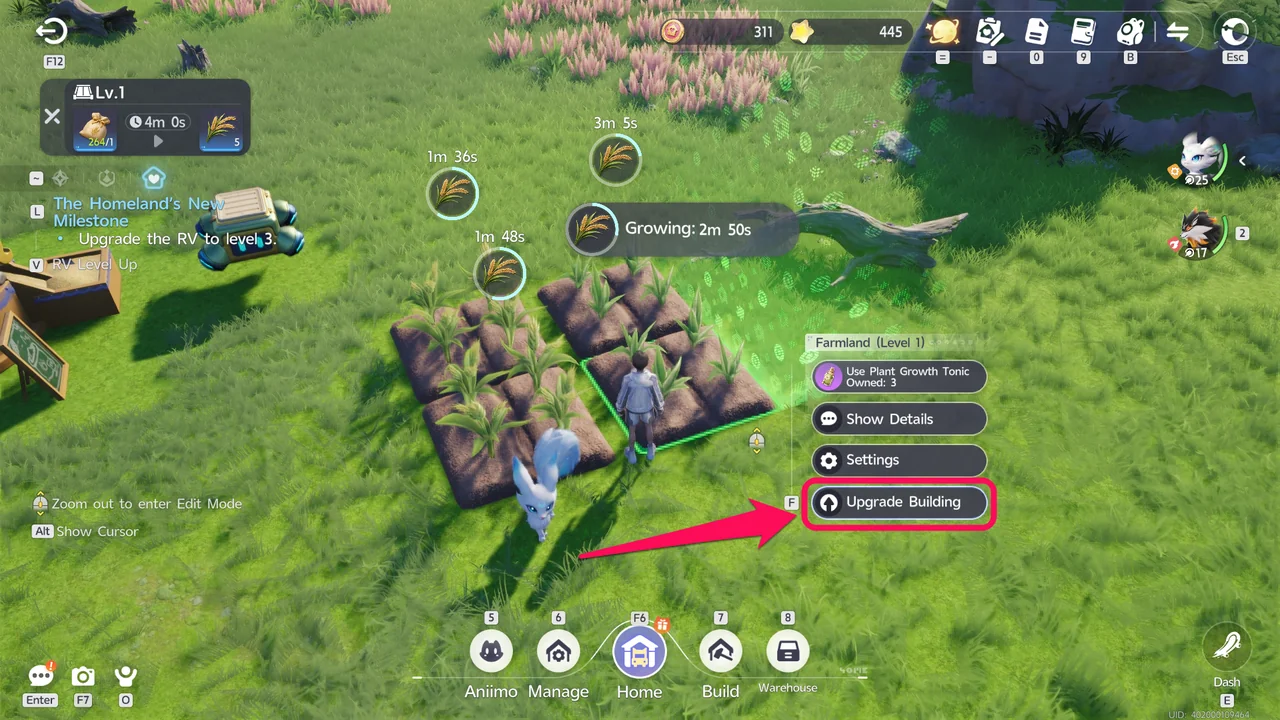
Upgrading a Farmland through its Upgrade Building option increases how many crops it yields per harvest, so you can gather what you need for Processed Goods faster. Once a higher level is unlocked, you can also buy a Farmland at that level directly.
How to Process Materials
Some of the materials you gather can be processed into Processed Goods, which are worth more Home Coins, so it's always worth taking the extra step.
Processing needs a Materials Production facility. You can find these from the Build menu under Functional Facilities, then Materials Production, and you start out already owning a Carousel Mill there.
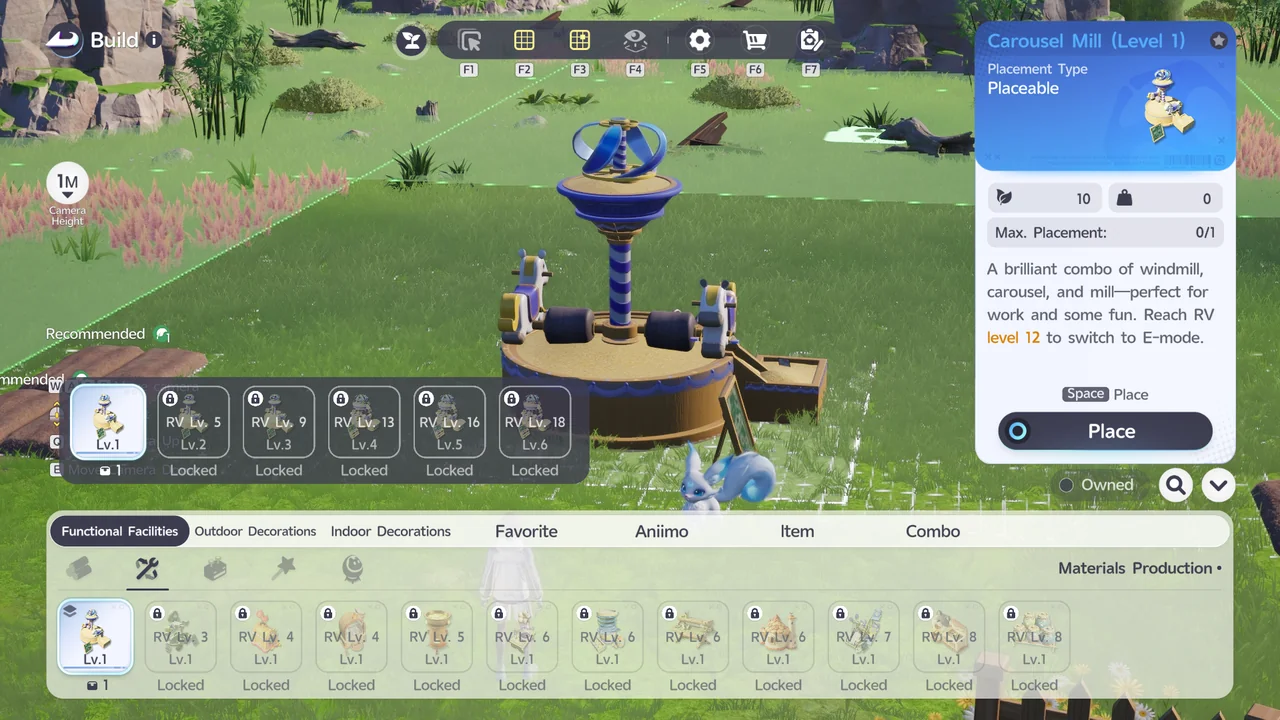
The Carousel Mill can process Wheat into Wheatmeal. You'll need multiples of a crop to make one Processed Good, for example 50 Wheat for 1 Wheatmeal, so it takes a bit of time to stockpile enough.
The tutorial for processing goods happens during the Act 1: Together with Aniimo Home Quest, so you'll be walked through it naturally as you play.
How to Automate Farming with Aniimo
Once you've got the manual loop down, you can automate planting and processing by leaving captured Aniimo in your Homeland.
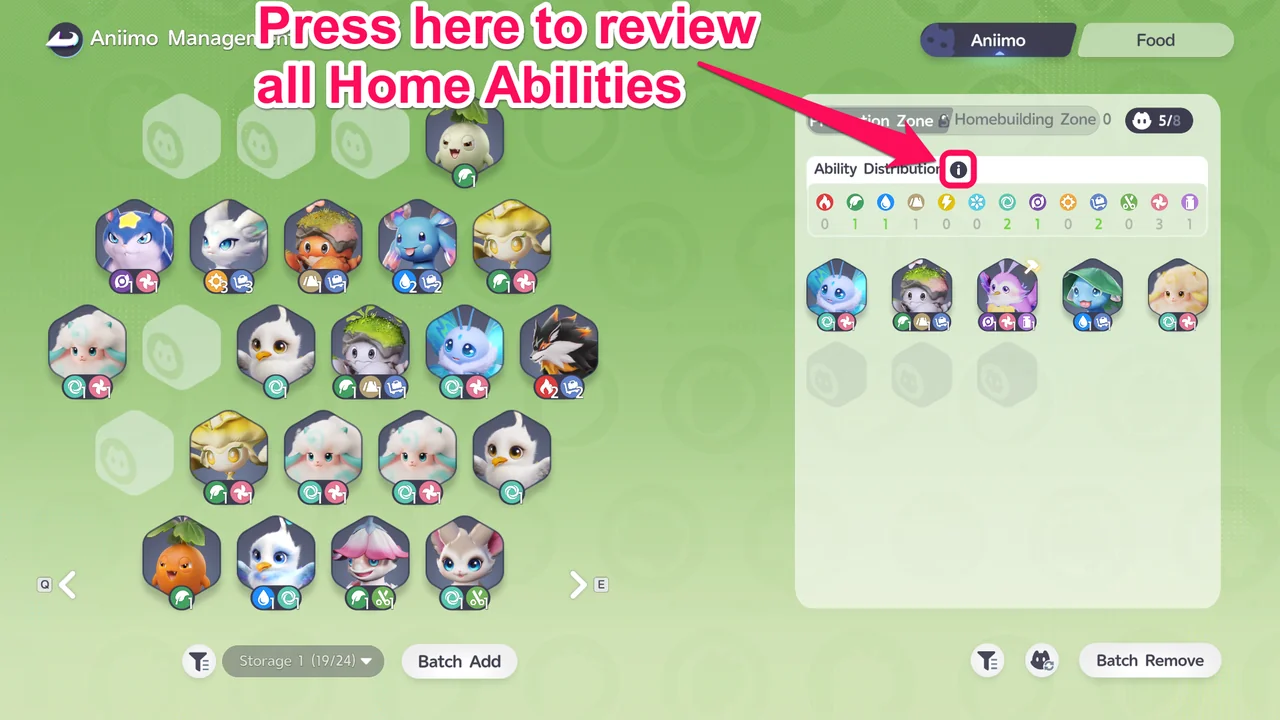
Which tasks an Aniimo can perform in your Homeland depends on its Element and its Home Abilities. You can review every Home Ability from the Aniimo tab under Aniimo, by pressing the i icon next to Ability Distribution.
Working Aniimo need Food to perform their tasks efficiently. Head to the Food tab under Aniimo to check your supply, and place crops or Processed Goods into the food bowls there.
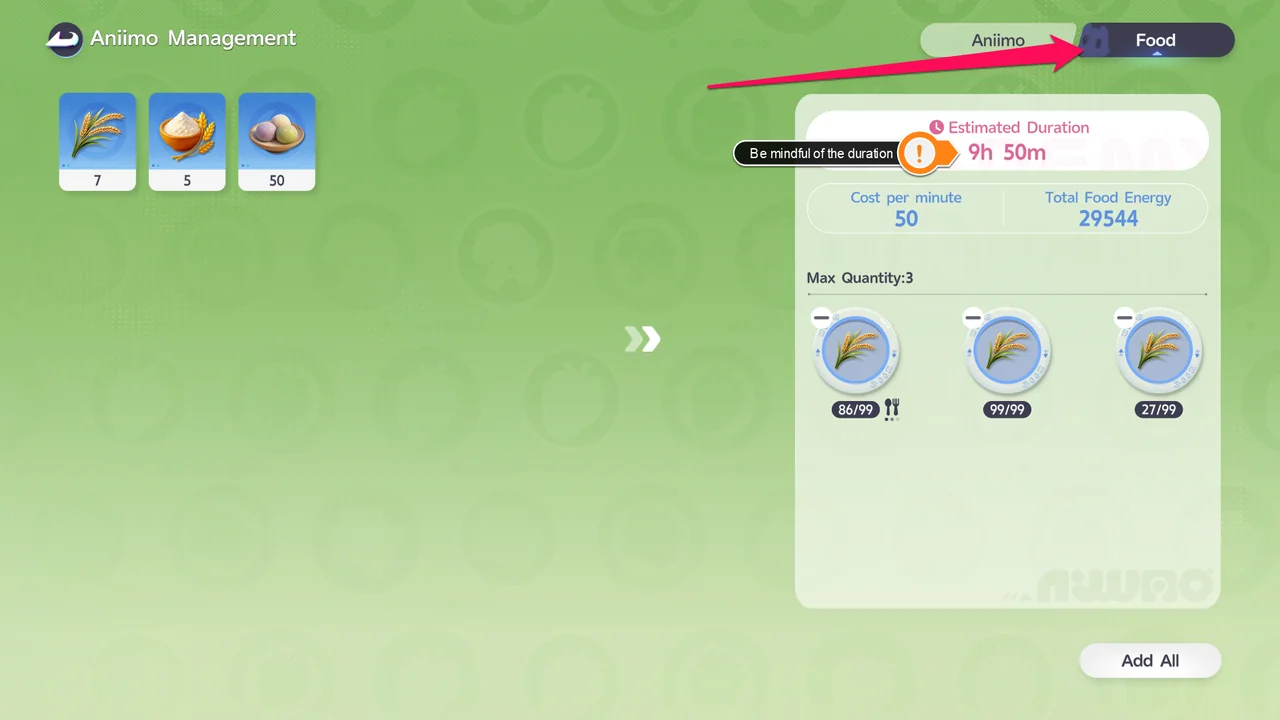
Each food bowl shows an Estimated Duration. Top it up again before that runs out to keep your Aniimo working without interruption.
By this point in the main story you should already have Aniimo like Skippy, Budclaw, Flutternym, and Dewy, and they all make solid additions to the Homeland since they can handle tasks like Hauling, Watering, Leisure, and processing at the Carousel Mill.
RV (Home) System Guide · Dewy Details · Aniimo Dex · All Guides