
Your Aniimo box fills up fast. Here's every tool the game gives you to sort, filter, and organize it, whether your storage can be expanded, and which Aniimo are worth keeping.
Aniimo Management Features
The Aniimo Management screen gives you several tools for organizing your collection.
| Feature | What It Does |
|---|---|
| Sort | Sorts every Aniimo in storage using one option at a time: Date Obtained, Rating, Aniimo No., Level, Potential Score, Family, or Compact Layout. |
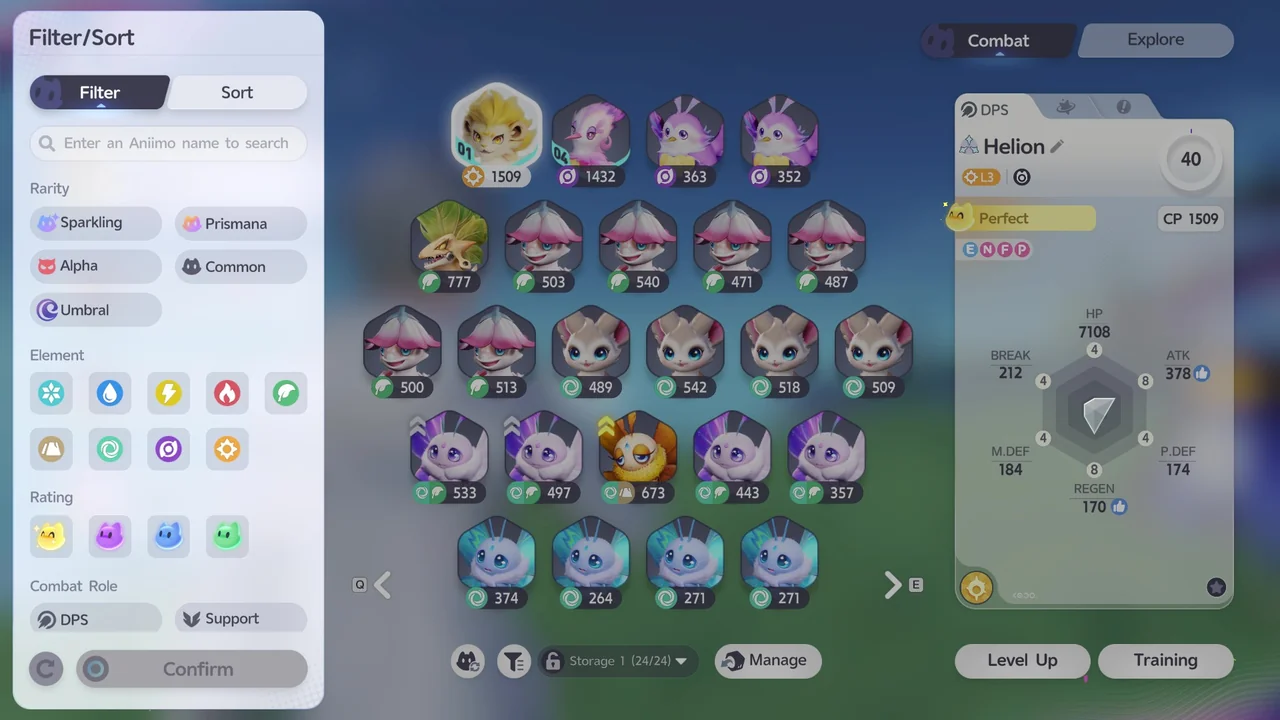
| Filter/Sort | Narrows down your list when you're looking for a specific Aniimo. You can filter by Rarity, Element, Rating, and Combat Role (DPS or Support). |
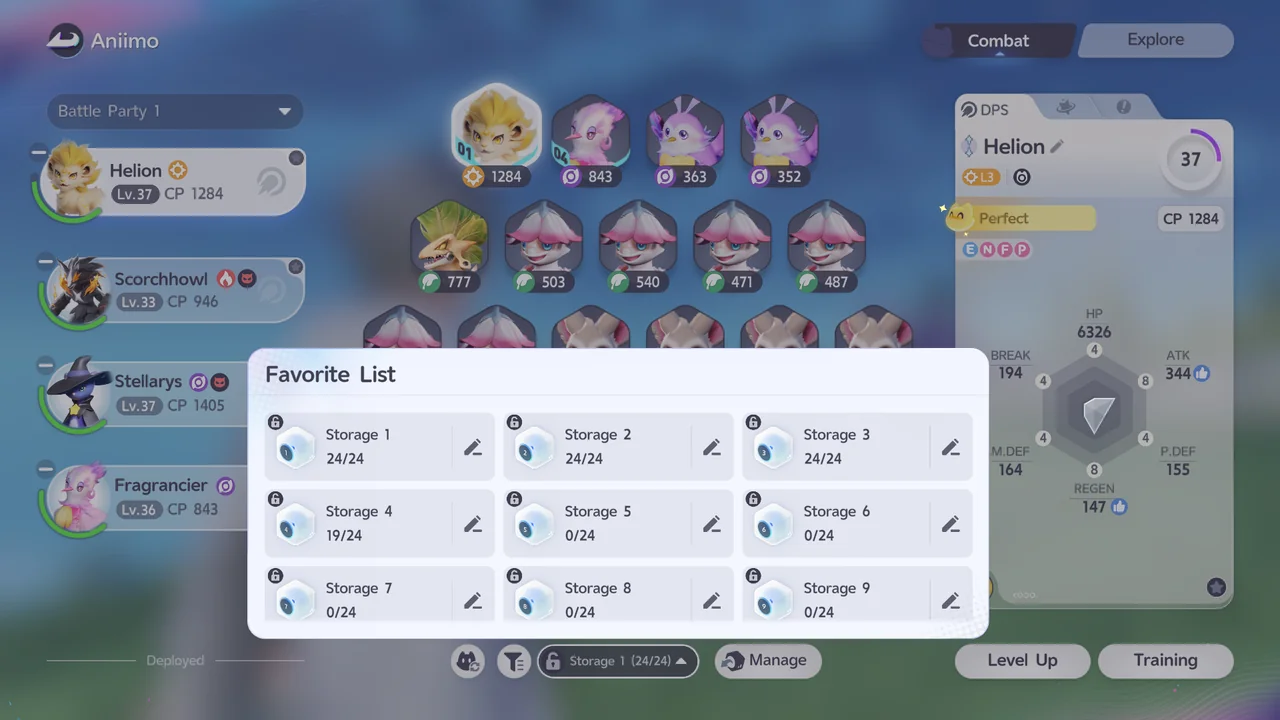
| Favorite List | Shows every storage box and lets you lock individual boxes so they're skipped by batch actions. |
| Managing Storage | Lets you manage Aniimo individually, including selecting and releasing them. |
| Marking Aniimo | Marks an Aniimo with an icon of your choosing, so you can spot it at a glance later. |
| Combat and Explore | The Combat tab shows your battle party, while the Explore tab shows which Aniimo you have assigned to exploration uses like Climb, Fly, and Swim. |
| Aniimo Information | Opening an individual Aniimo shows its stats, held item list, and other details, including its evolution, level-up, and training options. |
Can You Increase Your Aniimo Storage?
There's no option to increase your storage capacity. Your Aniimo storage consists of 25 boxes, each holding up to 24 Aniimo, for a maximum of 600 Aniimo total. Once you're full, the only way to make room is to release Aniimo you no longer need.
Which Aniimo to Keep
Keep the Aniimo you're actually using in Combat and Exploration, and try to avoid holding onto duplicates. If you need to free up space, releasing Aniimo with lower ratings, like Common or Good, is a reasonable place to start.
Full Aniimo index · How to Catch Aniimo: Controls and Catch Rate · Best Aniimo Tier List · All Guides