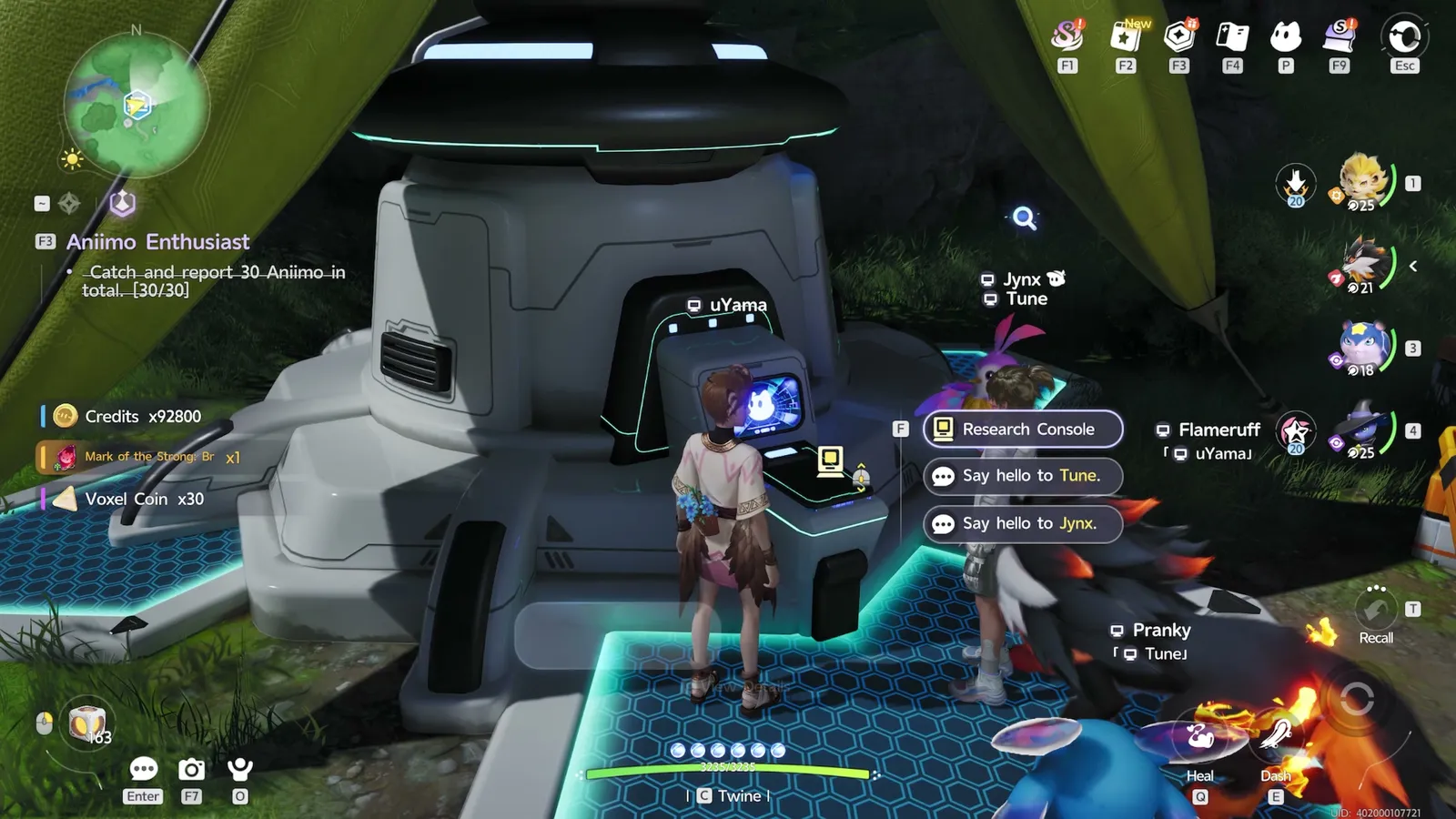
Raising your Character Title and Rank unlocks a higher level cap, new Talents, and Report Cards. Here's how the Promotion Assessment works, what you get, and how to fix a common Catch and Report quest issue.
How Title and Rank Work
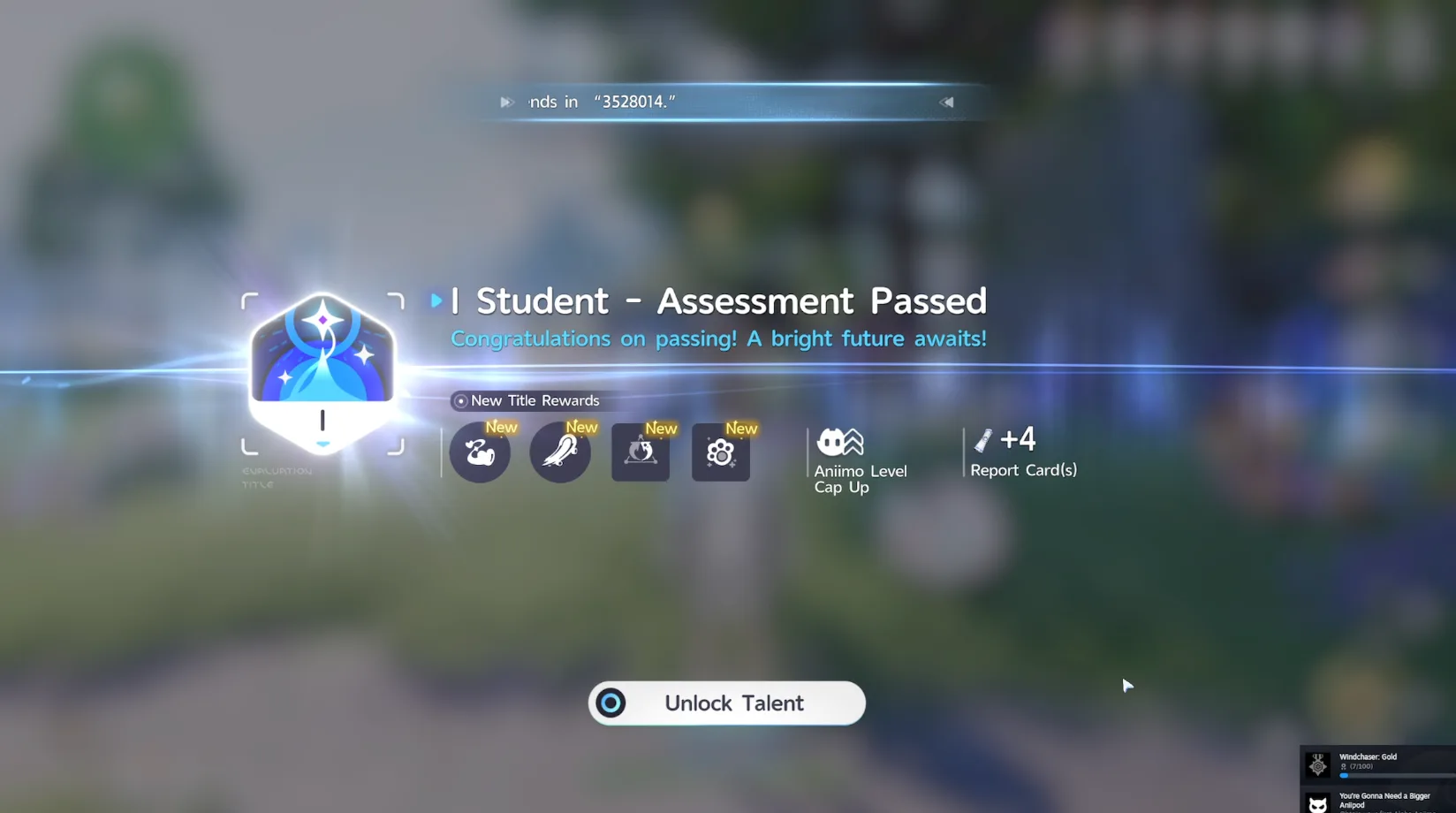
Based on player experience, Aniimo's confirmed promotion gates sit at character levels 25, 35, 40, 45, 50, 55, and 60, with 60 being the last gate before the current late-game level cap. At each gate, you complete that gate's required Elite Training course and pass its Promotion Assessment to earn the new Title, which also unlocks new Character Skills and Passives.
How to Unlock a Promotion Assessment
- Open your Elite Training requirements
From the Main Menu, open Elite Training and click your main Elite Training quest. Your current promotion requirements appear on the right side of the screen.
- Complete the required course to unlock the assessment
Complete the Elite Training course tied to your current level gate to unlock that gate's Promotion Assessment, then pass the assessment to earn the new Title.
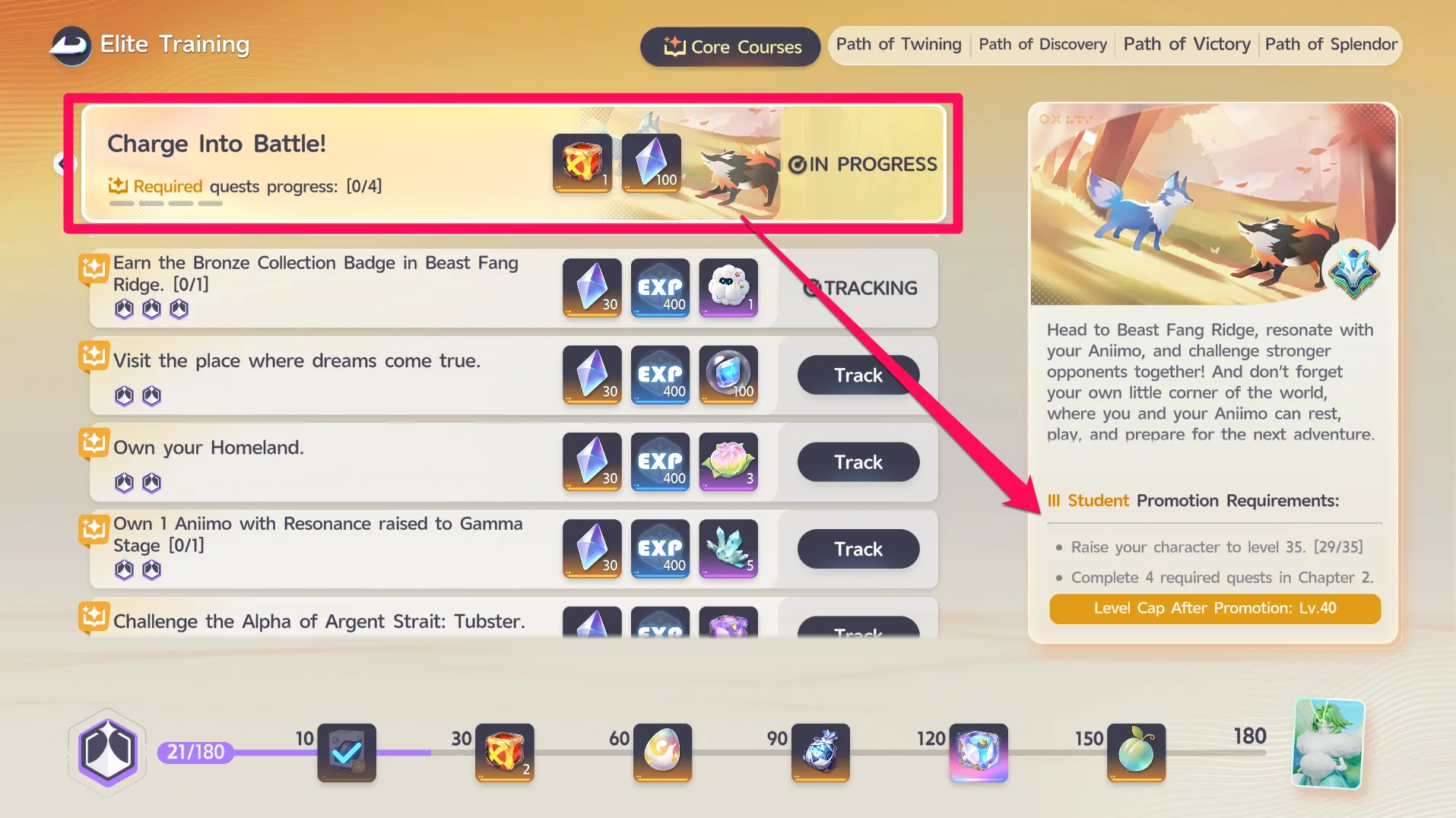
In the example we confirmed, unlocking the III Student promotion required reaching character level 35 (29/35 at the time) and completing 4 required quests in Chapter 2, and it raised the level cap to Lv.40 afterward.
What You Get From a Promotion
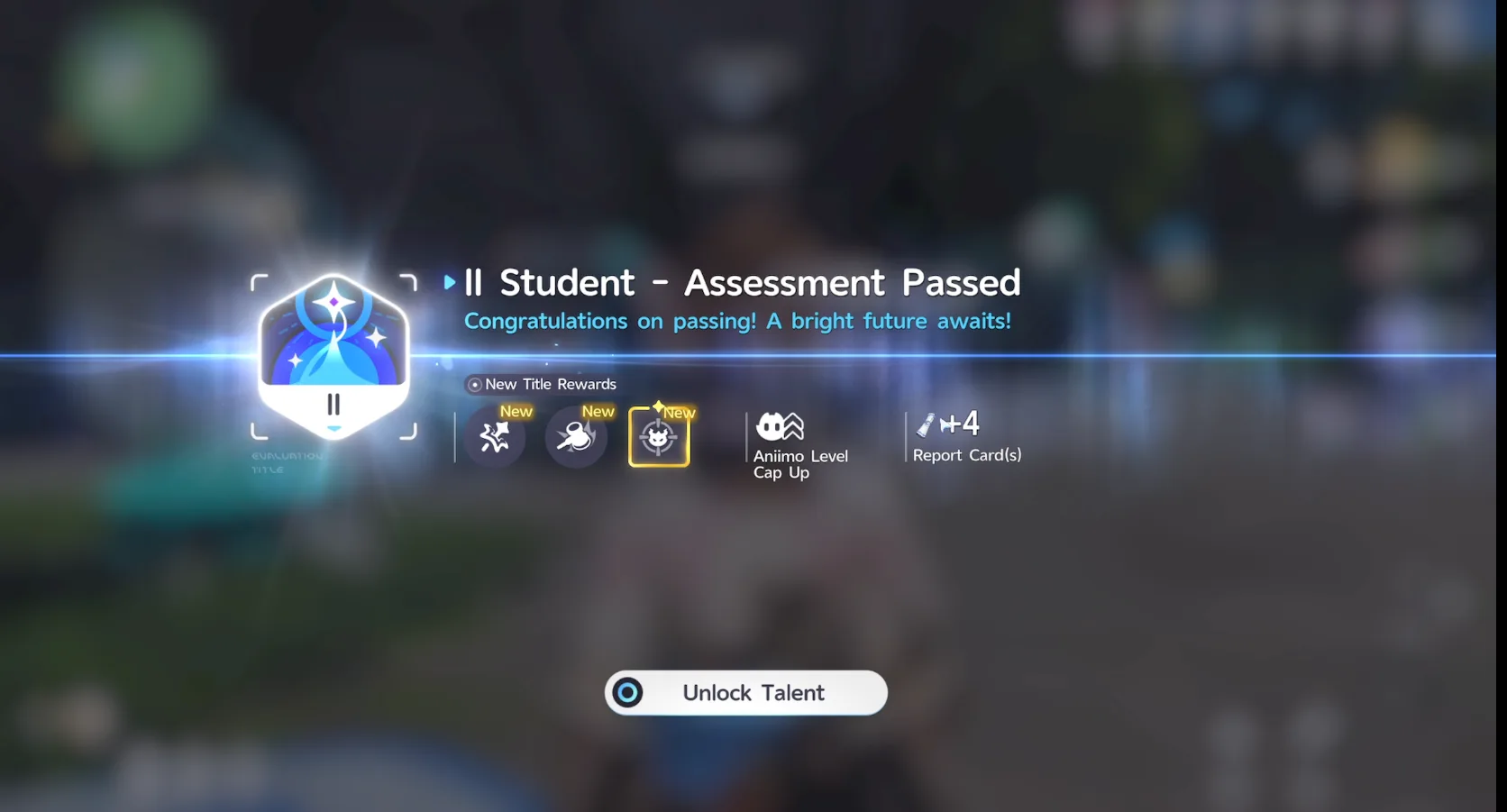
Passing a Promotion Assessment grants a new Title, new Talents to unlock, a higher Aniimo Level Cap, and Report Cards, the Talent Points you spend on the Talents screen to learn and upgrade your Passive Talents.
In the promotion we confirmed, moving up to Title II Student raised both the Character Level Cap and Aniimo Level Cap from 25 to 35 at once, and increased World Level and Challenge Rewards accordingly.
Catch and Report Quest Not Counting Your Catches
If the Catch and Report quest's counter won't go up no matter how many Aniimo you catch, report your caught Aniimo at the Research Console. That updates the quest's progress and counts the reported Aniimo toward the goal.