Building Shelter Walkthrough Guide
Building Shelter walkthrough: materials for the objectives, how to use a Construction Hammer near a Flame Altar, and what fixed the quest for us when it got stuck.
 GameWith Enshrouded EditorialGuide review teamGame version: Update 8 / v0.9.1.2
This page reflects Update 8 / v0.9.1.2. The game is now on Version 1.0, so some details may have changed.
How to Complete Building Shelter
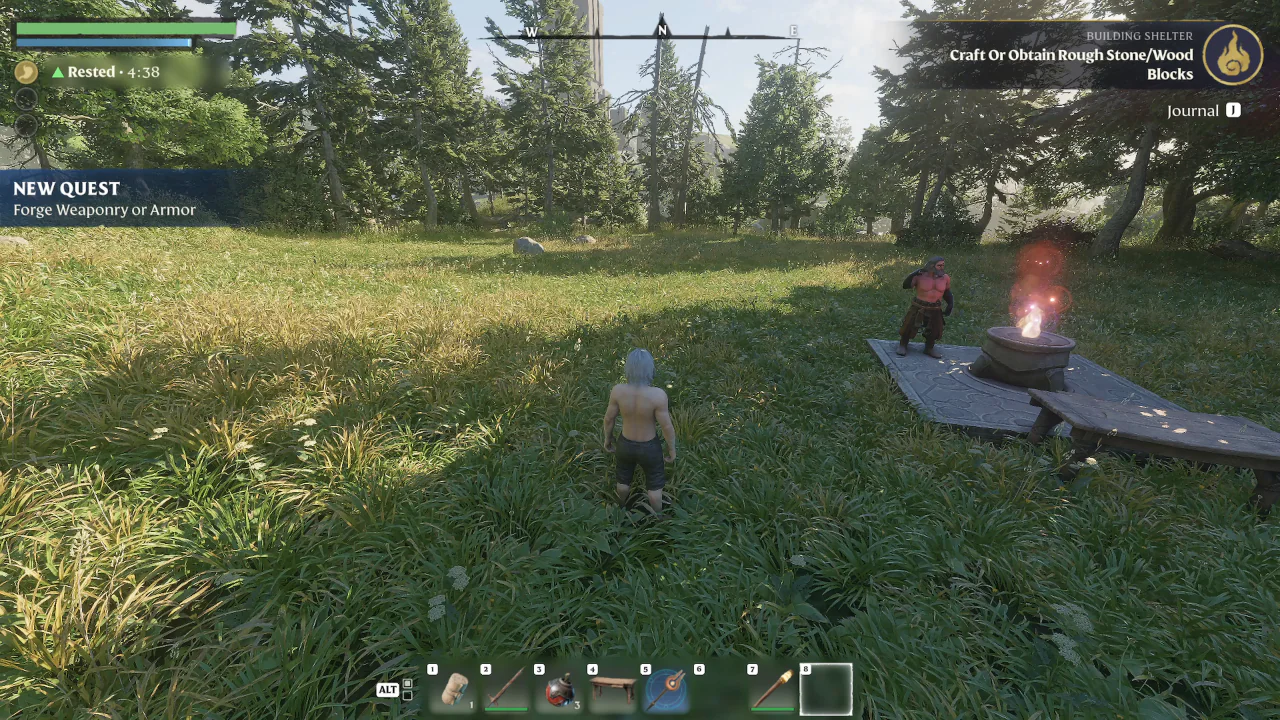
In our playthrough, a Workbench was already placed next to our Flame Altar, and Building Shelter showed the objective Craft Or Obtain Rough Stone/Wood Blocks. From there, the objectives changed in the order below, each one after we finished the one before it.
- 1
Craft Or Obtain Rough Stone/Wood Blocks
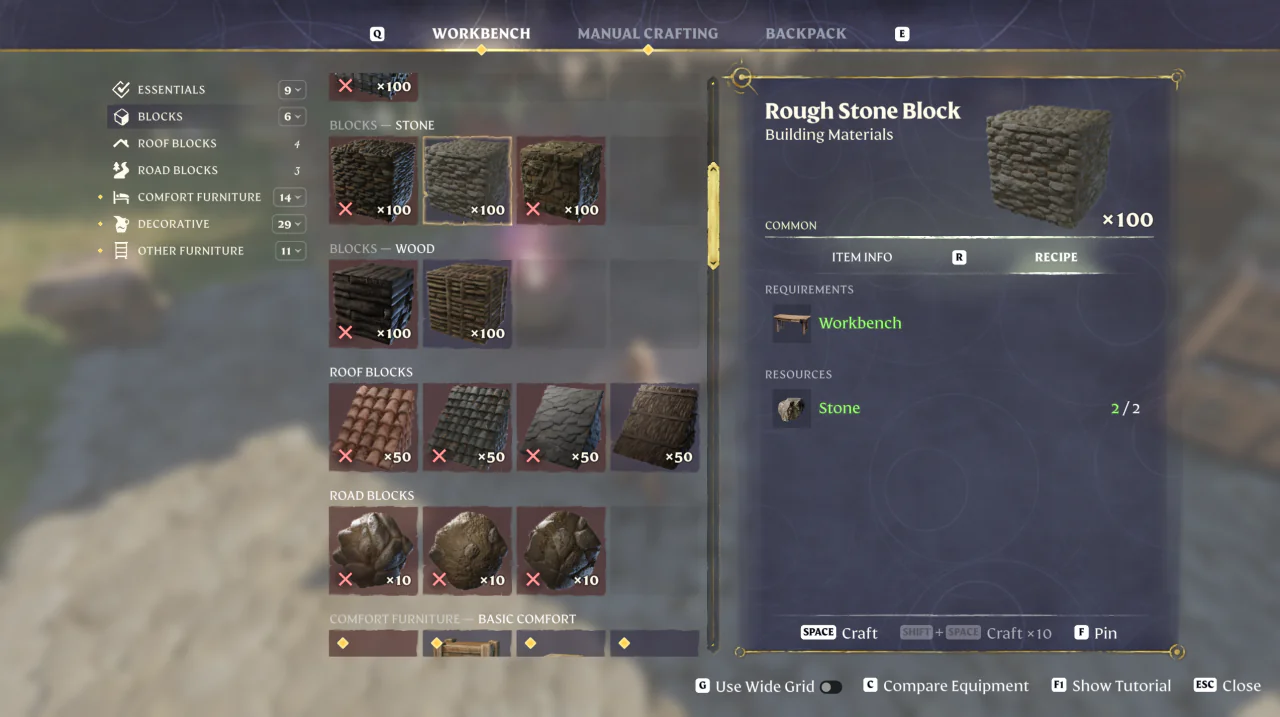
Craft Rough Stone Blocks at a Workbench. 2 Stone makes 100 Rough Stone Blocks.
- 2
Craft Or Obtain A Construction Hammer
Craft a Construction Hammer at a Workbench from 1 Stone.
- 3
Use The Construction Hammer
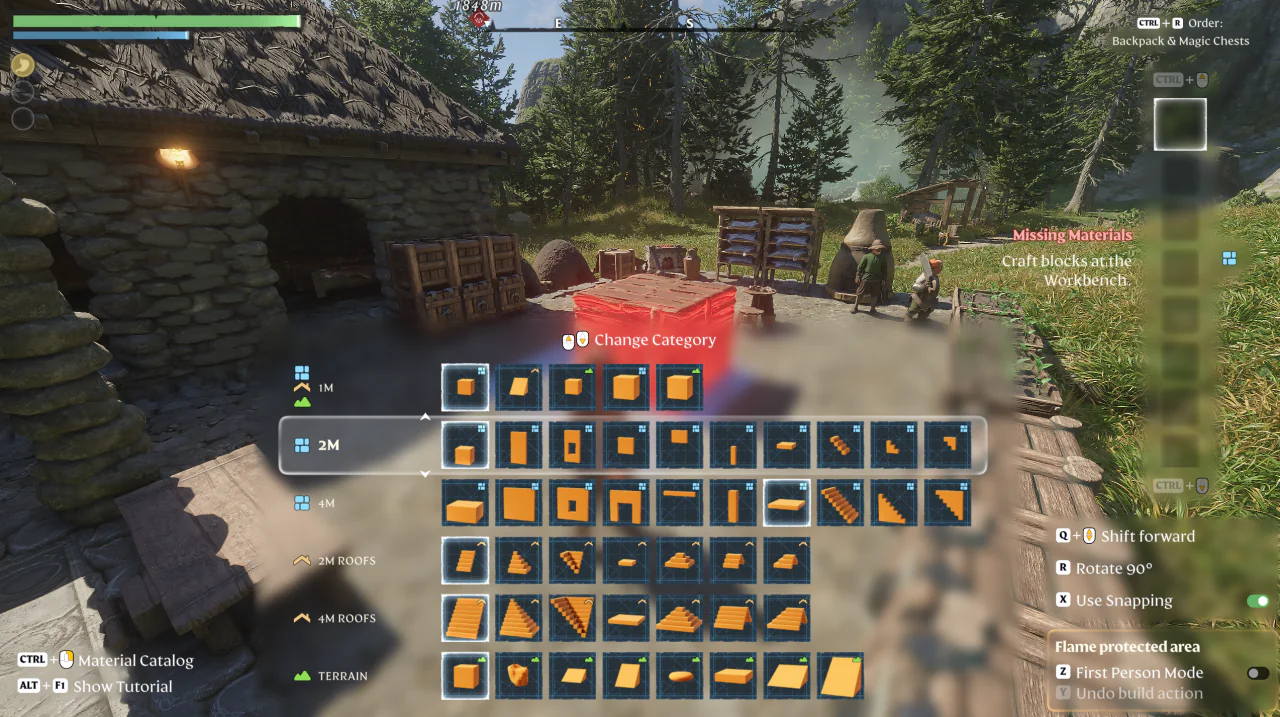
Near a Flame Altar, select the Construction Hammer on your hotbar, press Tab to enter Building Mode, and place a block. In our playthrough, we placed one block from the 2M row, and when we left Building Mode the objective had changed to Craft or Obtain A Fireplace.
- 4
Craft or Obtain A Fireplace
Craft a Fireplace at a Workbench from 6 Stone and 2 Wood Logs. In our playthrough, the quest tracker had already switched to another quest (Clear The Elixir Well) when we closed the Workbench after crafting the Fireplace, and QUEST COMPLETED! Building Shelter appeared after we placed it.
If Use The Construction Hammer Won't Progress After Joining Multiplayer
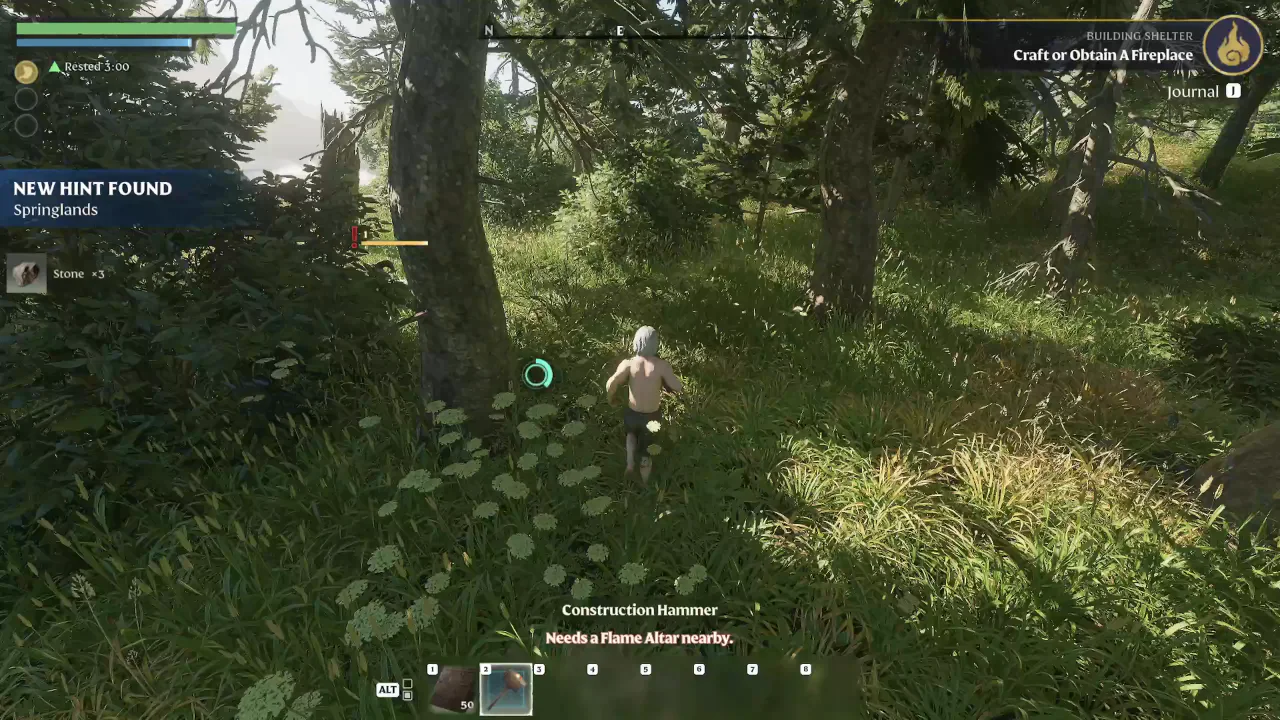
In a separate playthrough, we crafted the Construction Hammer in a single-player save and then joined a multiplayer session whose host had not finished Building Shelter. In that session, Use The Construction Hammer did not progress no matter how much we used the hammer.
In our case, the objective progressed after we deleted the Construction Hammer from the inventory, crafted a new one, and used the new hammer in Building Mode.
How to Use a Construction Hammer
On keyboard and mouse, select the Construction Hammer on your hotbar and press Tab to enter Building Mode.
| What to know | Detail |
|---|---|
| Left mouse button | Build |
| Right mouse button | Remove |
| Alt | More shapes... |
| Mouse wheel (in the list of shapes) | Change Category |
| R | Rotate 90° |
| X | Use Snapping |
| Y | Undo build action |
| Tab | Finish |
Press Alt (More shapes...) to open the full list of shapes, then pick one from the 1M, 2M, 4M, 2M Roofs, 4M Roofs and Terrain rows. Change Category at the top of the list is shown with the mouse wheel icons.
How to Get Building Blocks
In Building Mode, walls, floors and roofs are built from Building Blocks such as the Rough Stone Block, which you craft at a Workbench. Without them, Building Mode shows Missing Materials and “Craft blocks at the Workbench.”
| What to know | Detail |
|---|---|
| Rough Stone Block | 2 Stone makes 100 |
| Plant Fiber Roof Block | 5 Plant Fiber makes 50 |
In our playthrough, placing one block from the 2M row took our Rough Stone Block count from 100 down to 36, using 64.
The Workbench lists roof blocks separately from stone and wood blocks. Roof blocks such as the Plant Fiber Roof Block are used to build roofs.