Claim a Spot for Your Base Walkthrough Guide
How to reach the Plains for the first base quest: the cave route down, clearing the rubble, and placing your first Flame Altar. It costs 5 Stone.
 GameWith Enshrouded EditorialGuide review teamGame version: Update 8 / v0.9.1.2
This page reflects Update 8 / v0.9.1.2. The game is now on Version 1.0, so some details may have changed.
Getting Down to the Plains
- 1
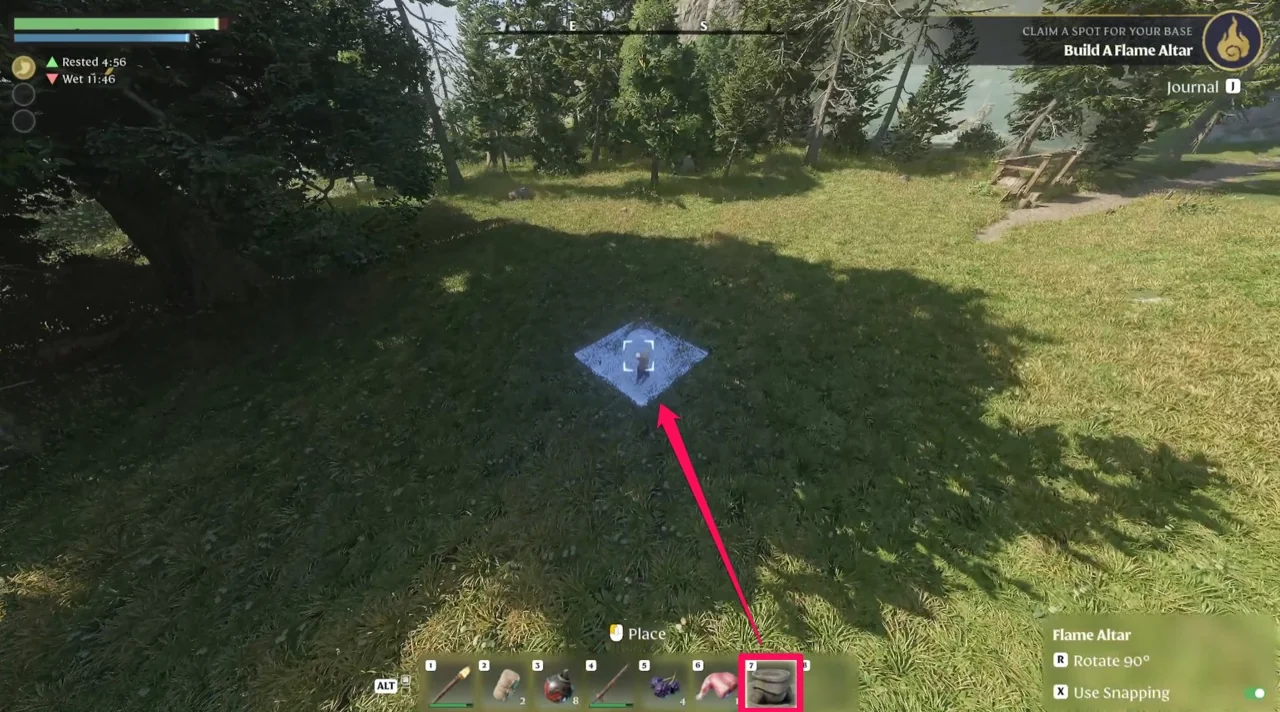
Leave the starting building and take the left path
The left path leads into a cave that takes you down the cliff.
The Chest on the Way In
- 1
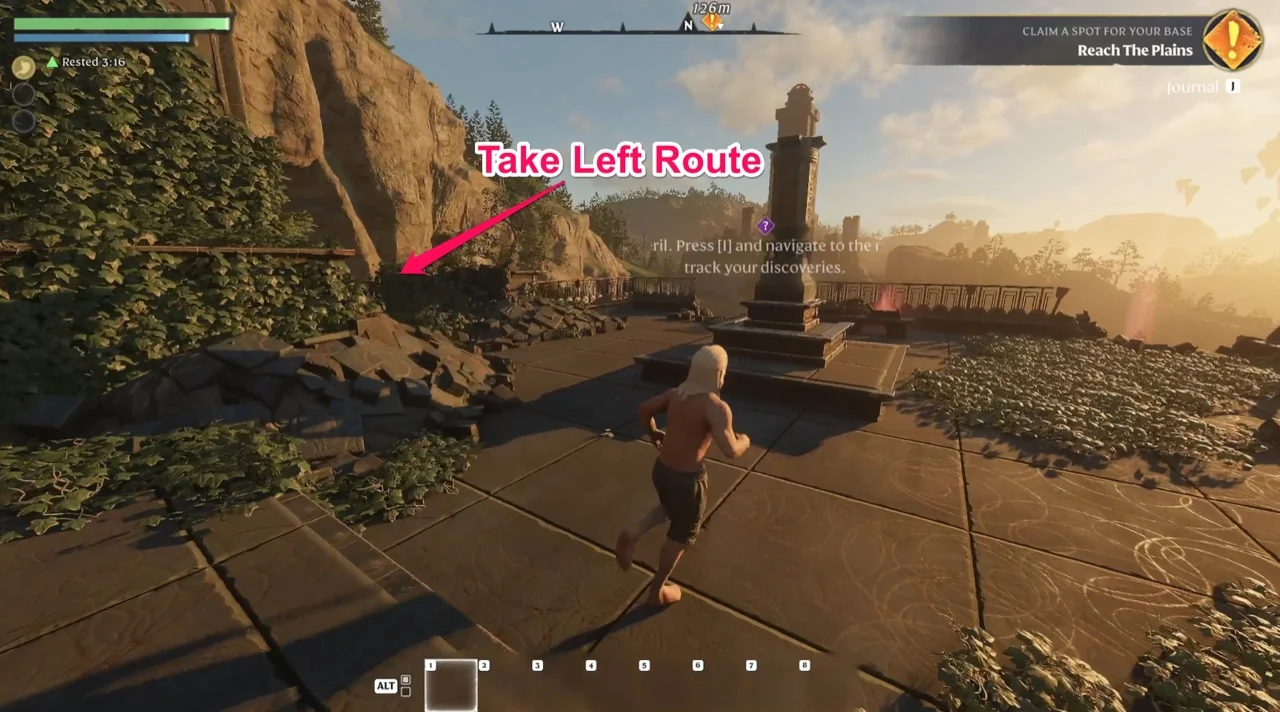
Loot the chest on your right
On the left path leading to the cave there is a chest on your right. It holds two items: a Bandage and a Torch.
- 2
Equip the Torch before you go in
The cave is dark. With the Torch equipped you can see the path.
| Item | What it does |
|---|---|
| Bandage | Consumables. Healing Per Second +4% |
| Torch | Attack, or hold E to throw it |
Fighting in the Cave
- 1
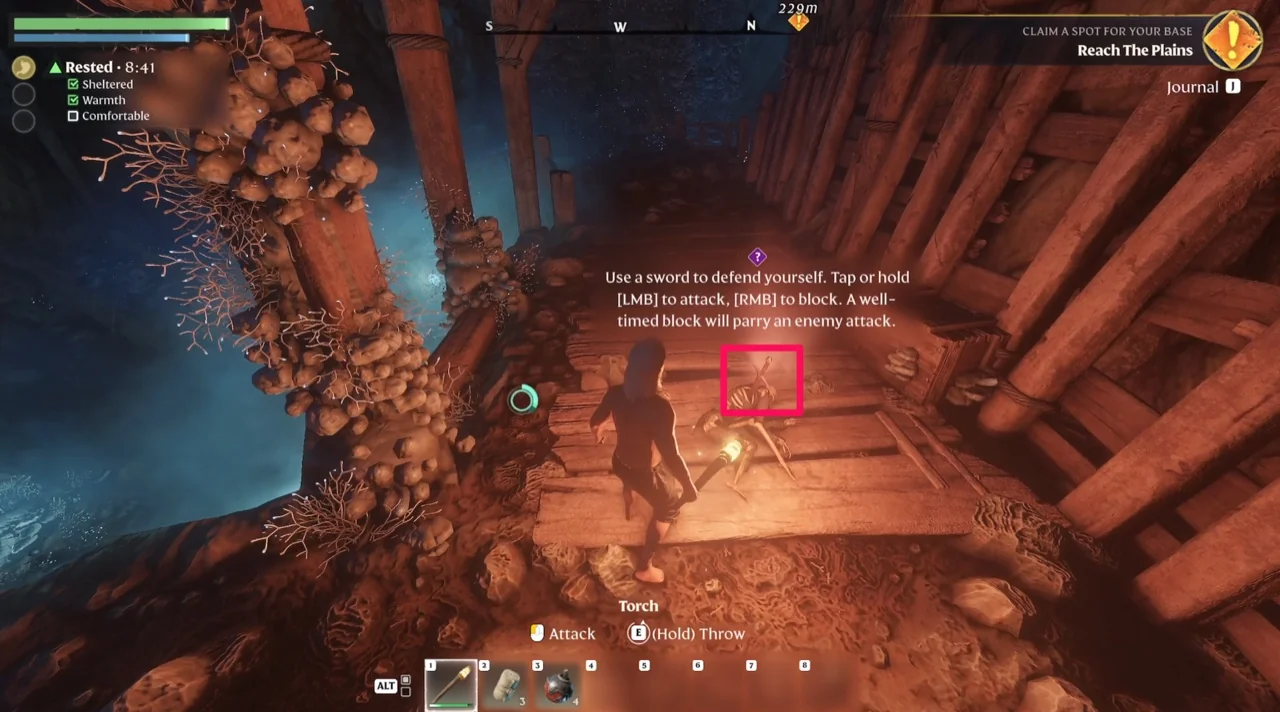
Pick up the sword further inside
A sword lies deeper in the cave and becomes your starter weapon.
Clearing the Rubble at the Exit
- 1
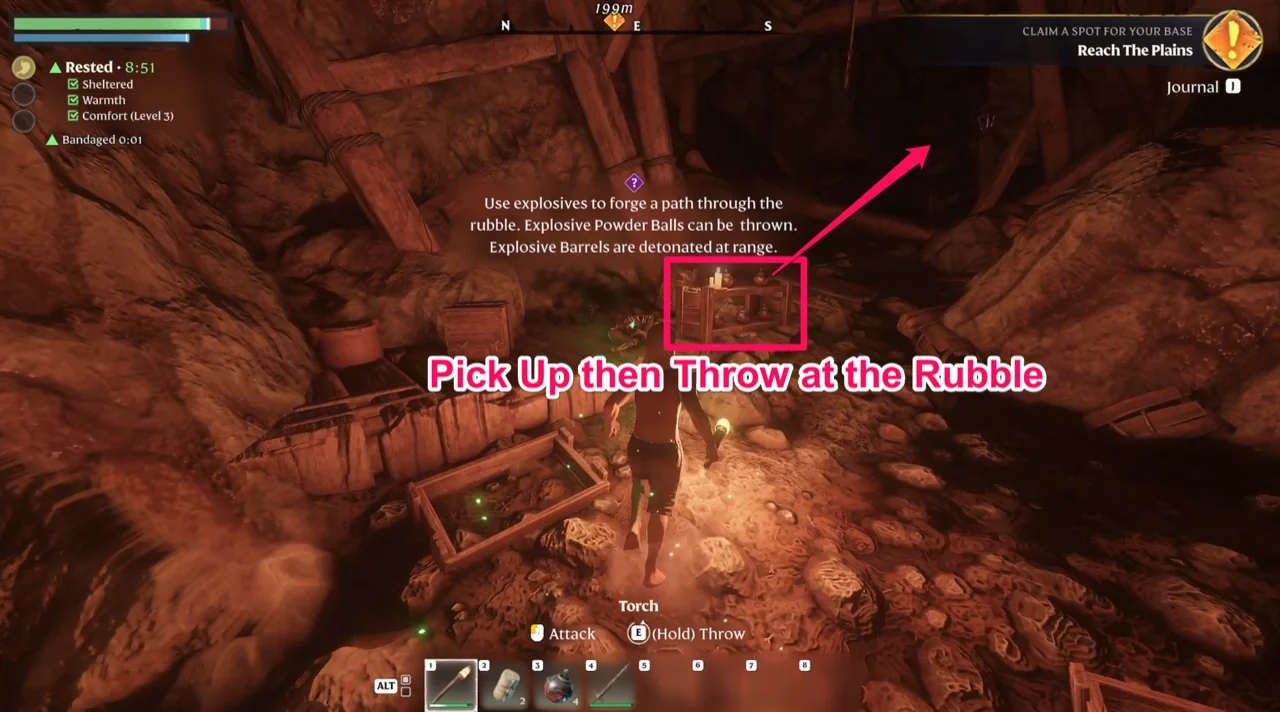
Pick up the Explosive Powder Balls
The exit is blocked by rubble, and crates of Explosive Powder Balls sit next to it. You can pick them up near the skeleton.
- 2
Throw one at the rubble
Select them from your hotbar and throw one at the rubble to open the way.
Gathering What You Need
- Stone, 5 of it. That is the whole recipe for a Level 1 Flame Altar
- 1
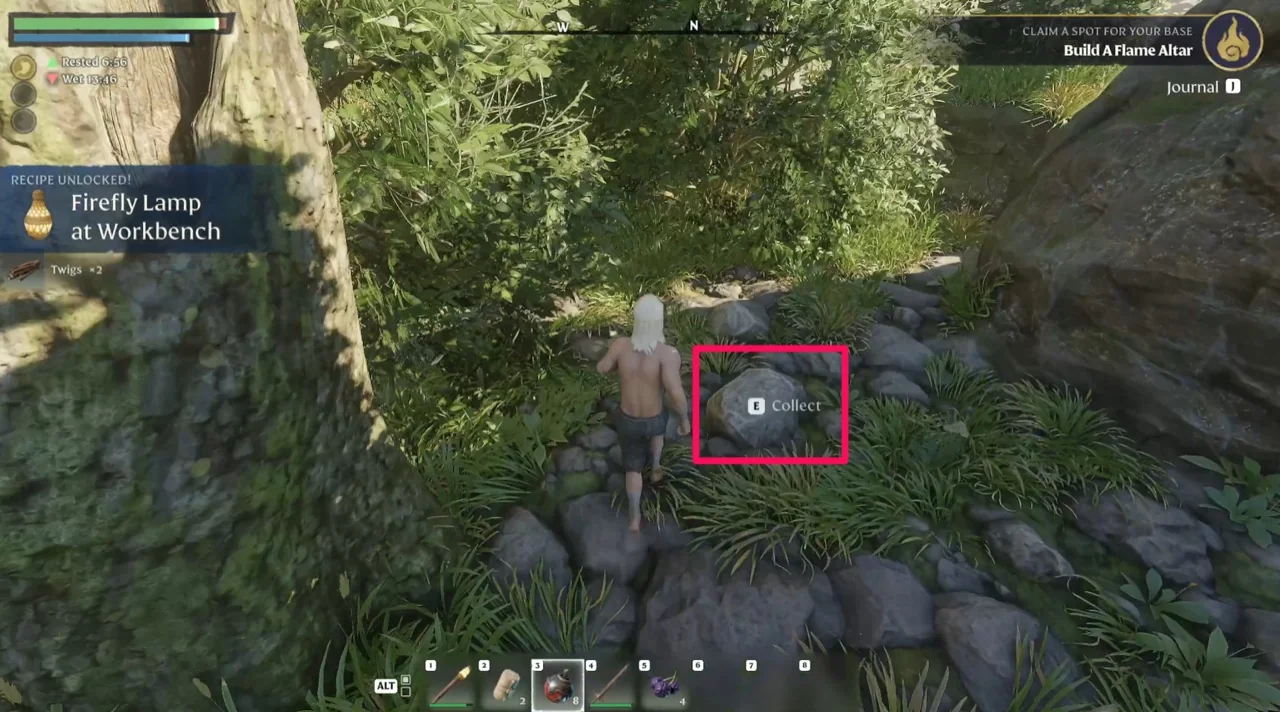
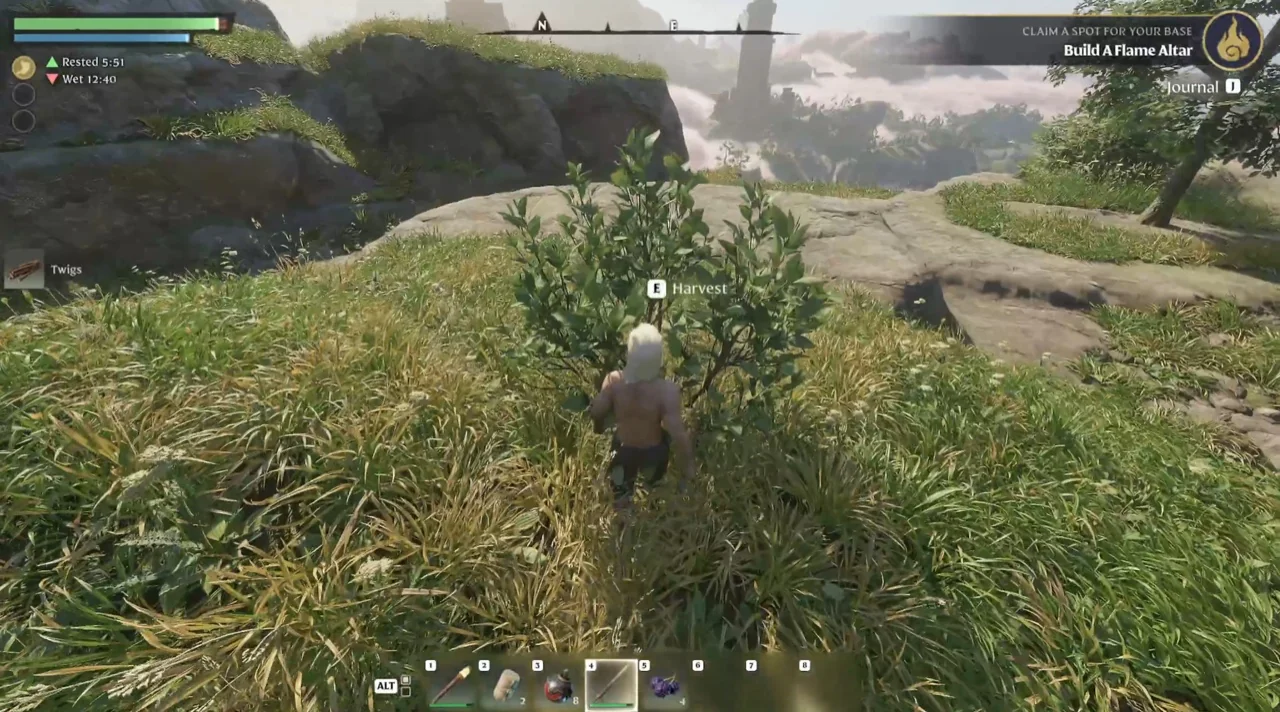
Collect small stones off the ground
Small stones lie around the map. Walk up to one and press E to collect it.
Crafting the Flame Altar
- 1
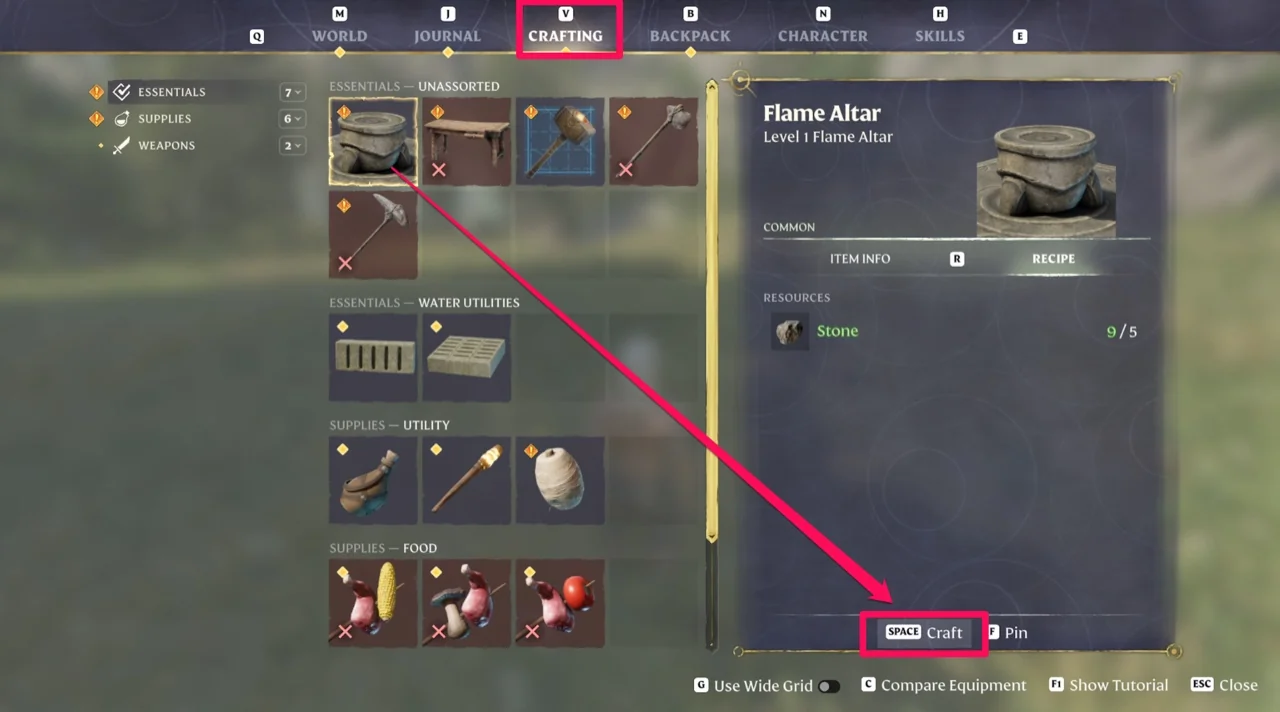
Open the crafting menu with V
Press V to open crafting, pick Flame Altar, then press Space to craft it.
Placing the Flame Altar
- 1
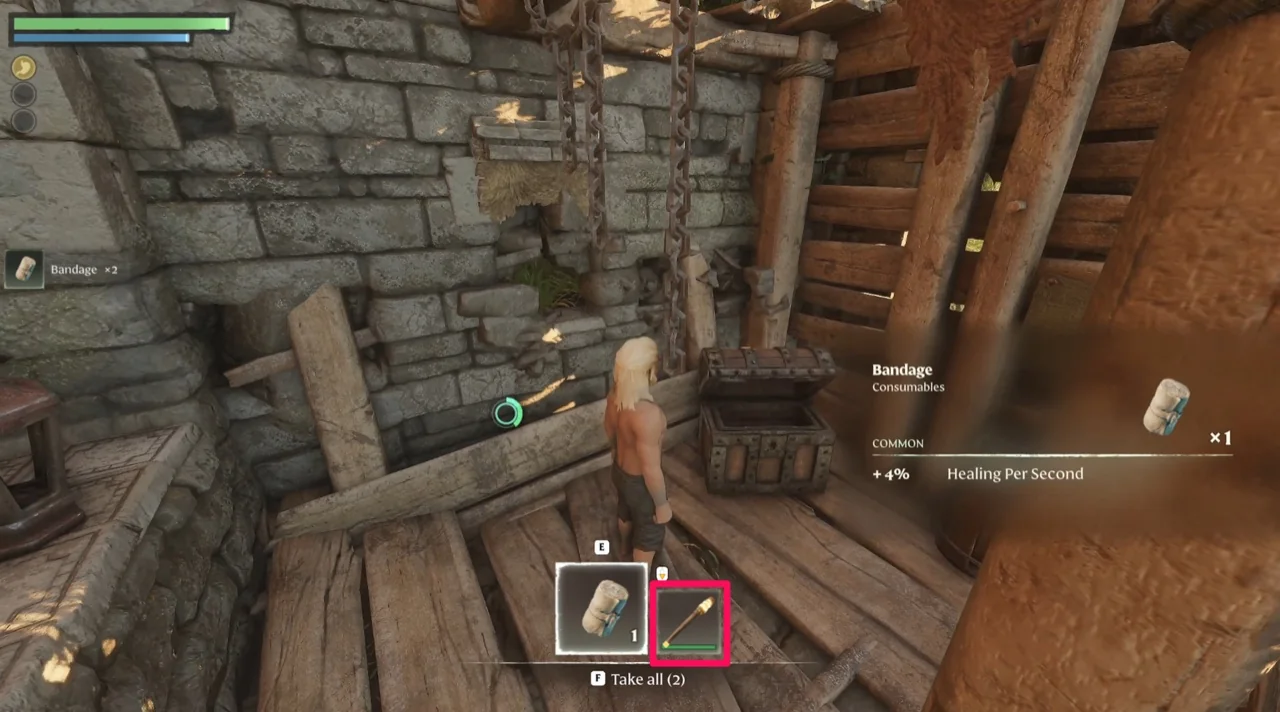
Put it on your hotbar and select it
The building interface opens on its own and the view pulls back a little.
- 2
Pick a spot and place it
Line up the spot you want, then place it.
| Item | What it does |
|---|---|
| Rotate | R turns it by 90° |
| Snapping | X toggles snapping on and off |
| When | What to do |
|---|---|
| The placement preview turns red | Move somewhere else. A red preview means the Flame Altar cannot go there |