Finding Masonry Tools Walkthrough Guide
This walkthrough example covers collecting the Masonry Tools at the Research Camp and placing them at your base, with a route through the Inner Sanctum.
 GameWith Enshrouded EditorialGuide review teamGame version: v1.0.0.2 / 1269579
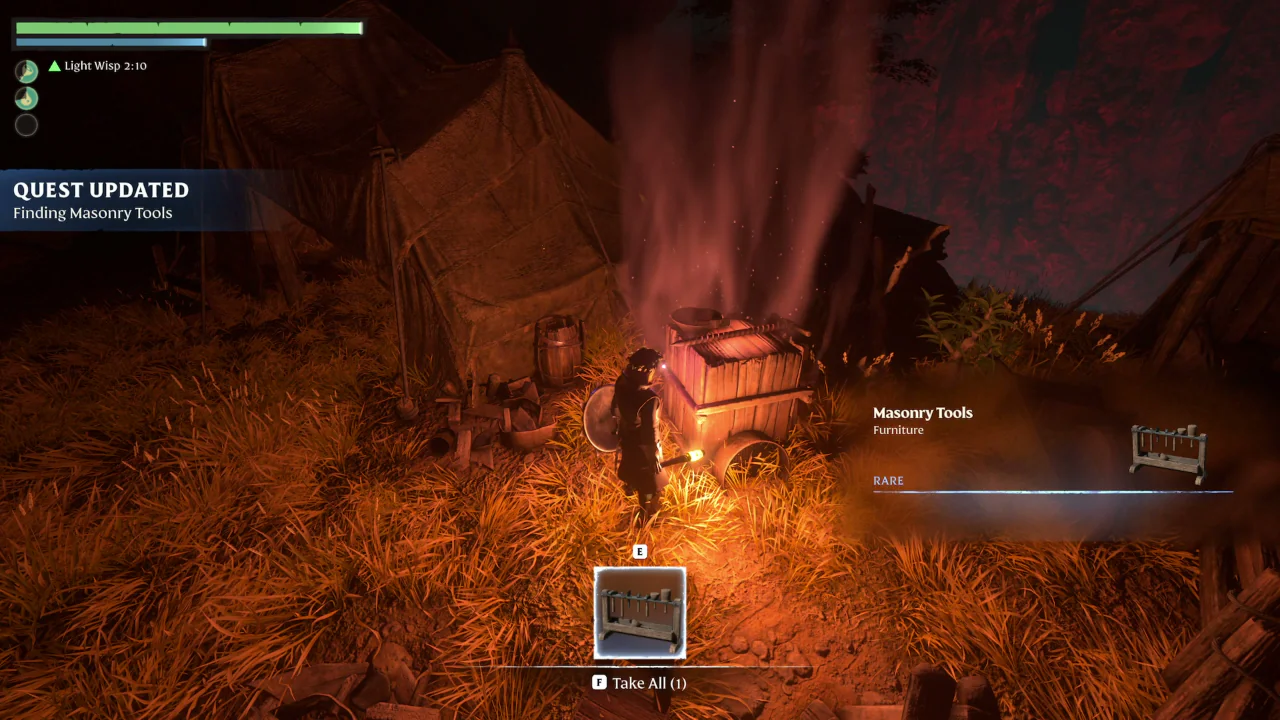
Where to find the Masonry Tools
Collect the Masonry Tools from the glowing container beside a tent in the Research Camp at the Pillars of Creation. Return to your base and place the tools to complete the quest.
Follow the quest marker to the Gate to the Pillars of Creation at the foot of the mountain.
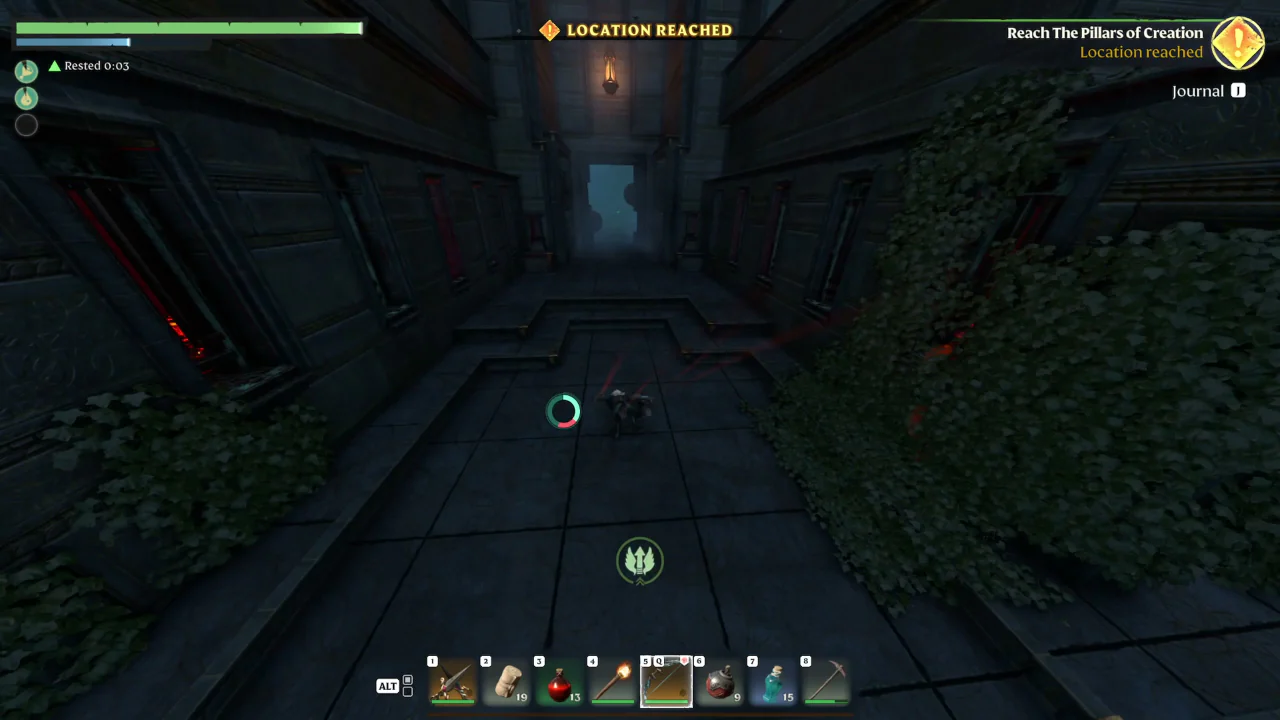
A route through the Inner Sanctum
This route example uses the right staircase in the Inner Sanctum, the wall mesh and the switch corridor. Double Jump and the switches are part of this example; they are not presented as requirements for completing the quest.
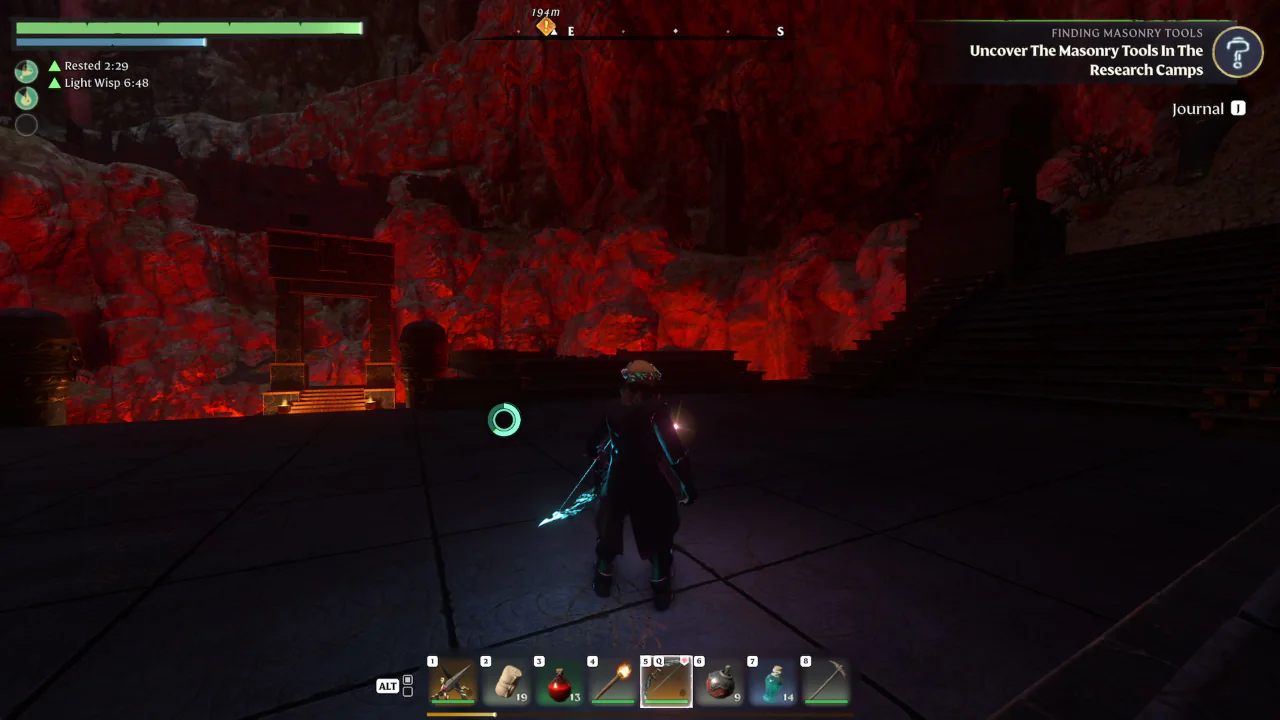
Follow the trail past the electric ball traps. Beyond the door, the passage contains rolling fireballs, followed by a room with retracting spikes. Watch each trap before crossing.
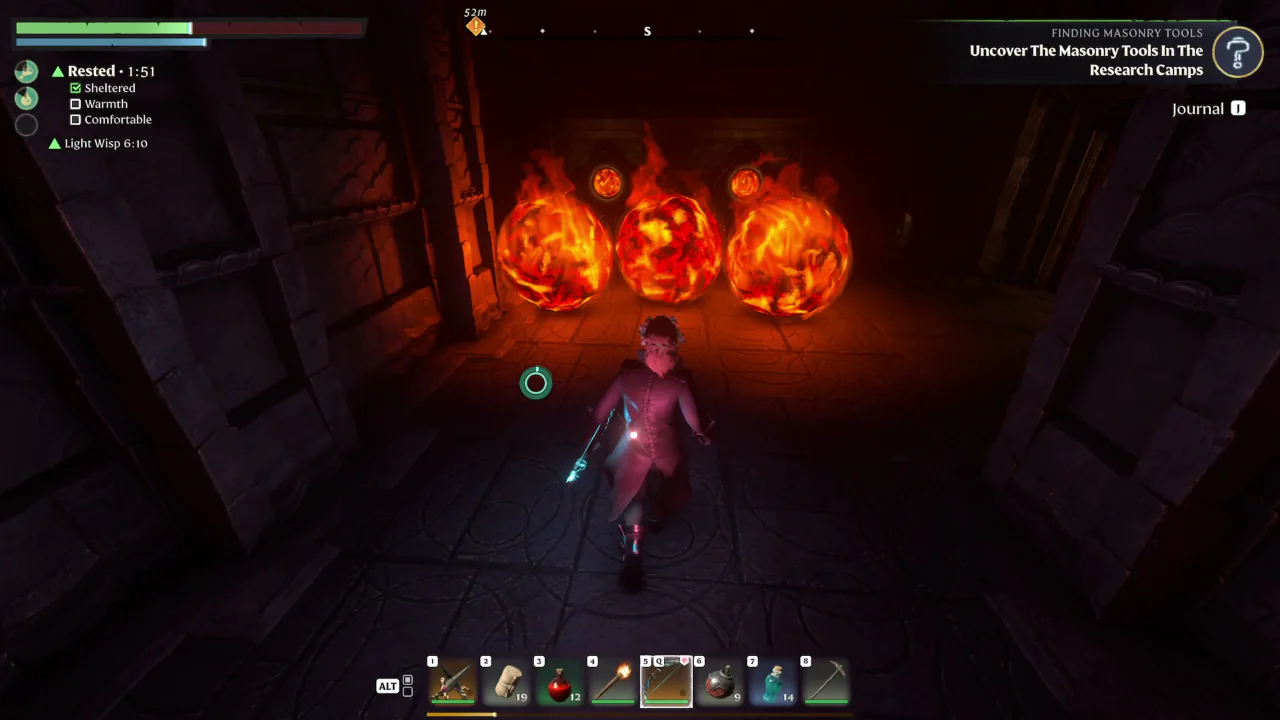
After the spike room, cross the gap to the platform and climb the wall mesh. In this route example, use Double Jump to reach the upper platform.
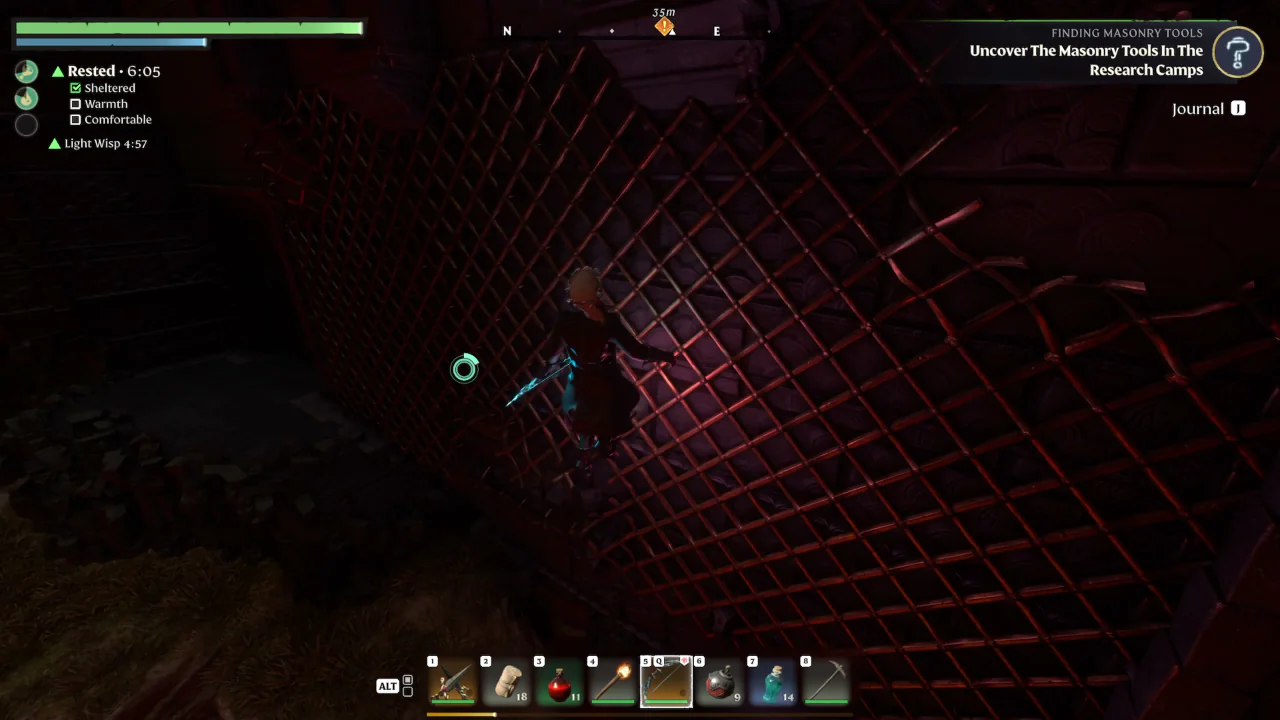
For the switch corridor route, enter the corridor on the right and shoot the wall switch. Continue along the corridor and look right for the other switch. After activating both, return to the corridor entrance and take the other passage through the opened door toward the camp.
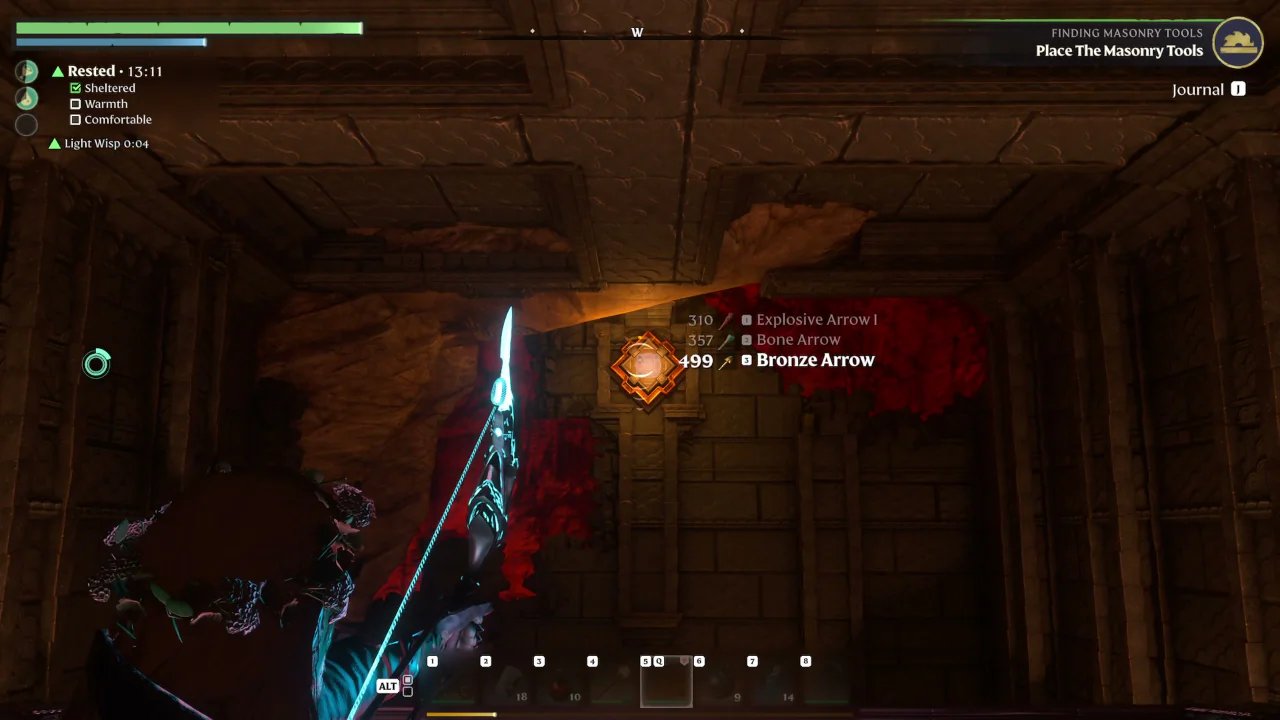
Pass the Ancient Obelisk and continue uphill to the Research Camp.
Place the tools to finish the quest
For PC controls, return to your base with the Masonry Tools. Drag them from your inventory to the shortcut bar, select them, then use the left mouse button to place them.
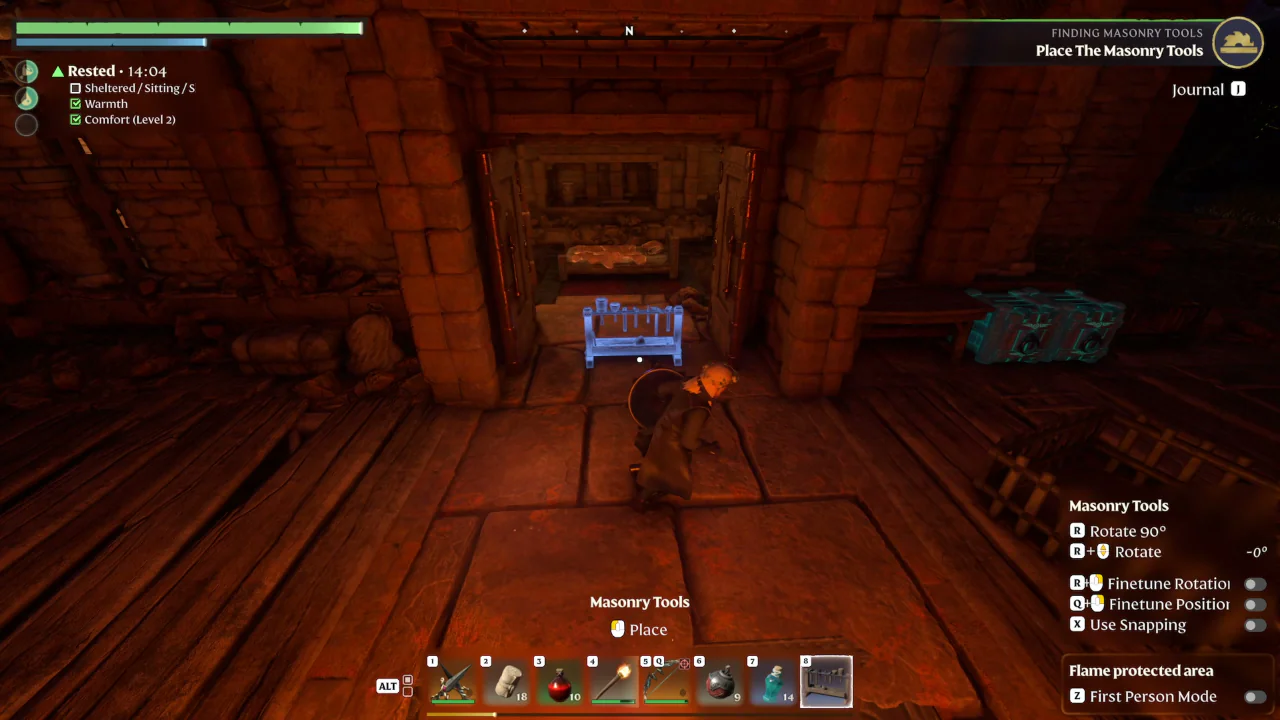
Placing the tools completes Finding Masonry Tools.